Given the number of hours people clock on various social media platforms, it is more important than ever that your various profiles are presentable. Here are several easy ways to make sure your social media presence is consistent, comprehensive, and professional.
____________________________________________
Guest Post by Evan LePage on HootsuiteConsidering how much time people spend on social media everyday, it’s kind of funny (or is it sad?) that most of us find ourselves too busy to actually update or improve our profiles. Many of us have a profile that includes an old email address, an ugly or blurry photo, or, probably the worst of them all, an old job title. You’re not making the best impression when your LinkedIn profile says you work at Pepsi, but your Twitter profile has you at Coca-Cola.We are busy, but so many improvements to your social media profiles can be made in just a few minutes. Below, we take a look at 12 quick ways to improve your profiles that, altogether, shouldn’t take you more than an hour.Time to close that game of Solitaire and get to work.General tweaks
Optimize your profile and cover photo sizes
We’re pretty spoiled by the quality of online images today. Gone are the days of visible pixels. Today anyone with a smartphone can take a pristine image of just about anything, including their own mug. Which is why there’s no excuse for you to have a stretched out, distorted, or pixelated face as the profile photo on any of your social media accounts. Not only are these images hard to see and confusing, they reflect poorly on you or your business. (“You couldn’t even be bothered to take one nice photo? Either you’re lazy or you suck.”).Take a few minutes and optimize your profile photo and your cover photo. This means ensuring that photos fall within the dimensions recommended for a certain network. Often all it takes is a quick crop.Many people think that a square is a square, or the social networks will make sure the image fits right. In reality, you never know when profile images will be reused elsewhere on a social network. How will it look when expanded? How does it look when it’s really small in people’s streams? How does it look on mobile compared to desktop? The social networks provide us with optimal image sizes knowing that these photos will be used in a variety of instances. You should probably trust them.Standard image sizes for major social networks are as follows:- Facebook profile picture: 180×180 pixels
- Facebook cover photo: 851×315 pixels
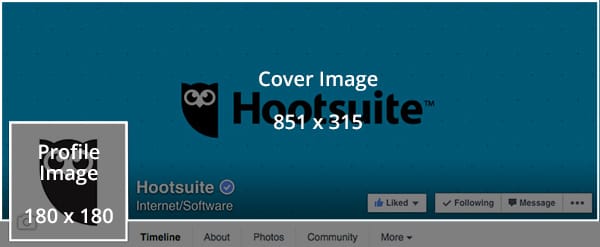
- Twitter profile photo: 400×400 pixels
- Twitter header image: 1,500×500 pixels
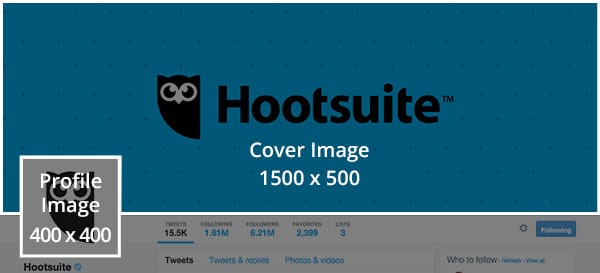
- Google+ profile picture: 250×250 pixels minimum
- Google+ cover photo: 1080×608 pixels
- LinkedIn profile photo: 400×400 pixels minimum
- LinkedIn custom background: between 1000×425 and 4000×4000
- LinkedIn logo: 400×400 pixels
- LinkedIn banner image: 646×220
Make your profile photos consistent across social networks
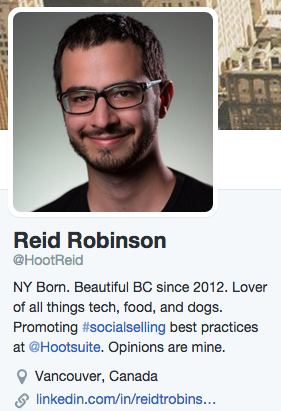
Reid uses this photo everywhere
Do you really like some photos of yourself and hate others? We all do. Let’s face it: we’re not always ready for our close-up. So how many of your profile photos are current images you actually like? Right. That’s exactly why you should be using the same profile photo across all of your social networks.You might feel like, ‘yeah, that’s me,’ but your followers on Twitter have a far less intimate relationship with your face, and might not recognize you at a glance in a different photo, say on Facebook or LinkedIn. Recognition is key, especially as people quickly scroll through their feeds. For this reason, having consistent profile photos will increase your chances of having people follow you on different social networks.If you’re controlling social accounts for a business, you also want to maintain consistent profile photos to reinforce your brand. The more people see your logo as they scan their various social networks, the more likely you are to be top of mind when they actually need your product or service.Untag yourself from bad photos
While we’re on the topic of photos, none of us are going to share terrible photos of ourselves. There’s just no reason to make yourself look bad. However, today’s social networks empower other users to share these terrible photos on your behalf, through tagging. Being vigilant about tagged photos can help you quickly clean up your profiles and project a more professional image on social media.First, you should always be aware of your photo tagging settings. Make sure your settings reflect your own policies or interests, in terms of who can tag you in photos and whether or not you want to approve them in advance.-
Facebook allows you to review and approve tags on your photos, and untag yourself from other photos
-
Instagram allows you to approve photos you’re tagged in before they appear on your profile
-
Twitter allows you to restrict who can tag you in photos, and remove any tags
Make your names consistent across social networks
As with your profile photos, consistency is key when it comes to your names and handles on social media. With photos, the consistency is really about recognition. While that is one reason to have consistent social handles, in this case the real driver is searchability.When you want to mention a brand on Twitter, for example, you probably just throw an @ symbol in front of their name and start tweeting. It’s kind of frustrating when you realize that their handle isn’t just their company name, but some mishmash of words with city names or area codes or SEO terms or anything else.A simple handle that just reflects your name or your company’s name will increase the chances of you being mentioned. It also makes it easier for people actively seeking you out to find and follow you.Add keywords to your profile for SEO
What do you want to be known for? Is it family law? Curtain sales? Comedy? Whatever your niche is, it’s essential that you make yourself searchable. When people Google or Facebook search curtain sales, you want your face to pop up. Believe it or not, simply adding relevant keywords to your social profiles can go a long way to helping you get there.Identify the terms people search for the most when they’re looking for a professional in your niche or industry. Tools like SEMrush can help you with that task. Once you’ve identified your terms, take a few minutes and insert these keywords into your social media profiles. These terms should appear in your LinkedIn job title, job description, and skills. It should appear in your Facebook and Twitter bios, in photo names, interests, experience, and just about any other category that isn’t your name, since that would be a little obnoxious.Don’t just drop these terms in haphazardly. Work them into your bios in a way that’s logical, professional and actually describes how you relate to these terms.Then watch your profile visits grow.Fill in every bio field

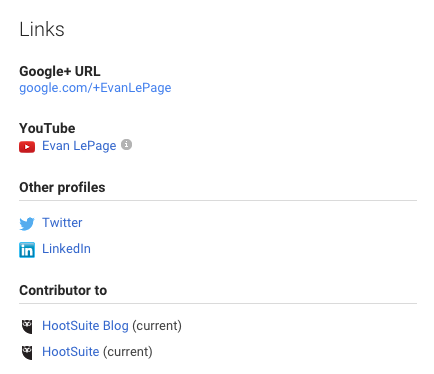
Link to your other social media profiles
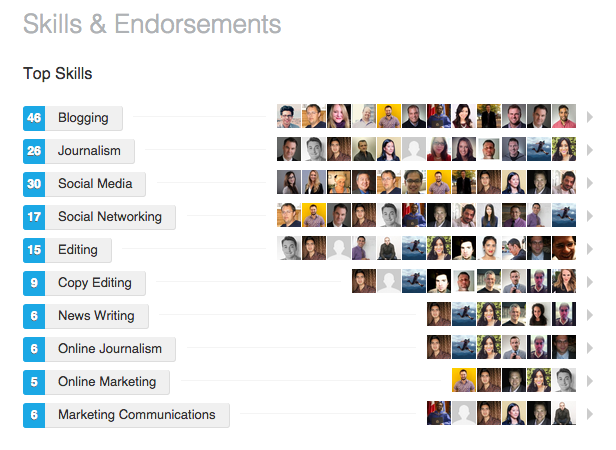
Ask a few friendly clients for reviews or endorsements
Network-specific tweaks
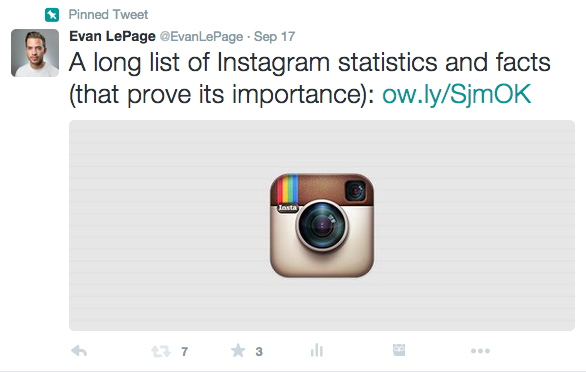
Pin a Tweet promoting your last blog post
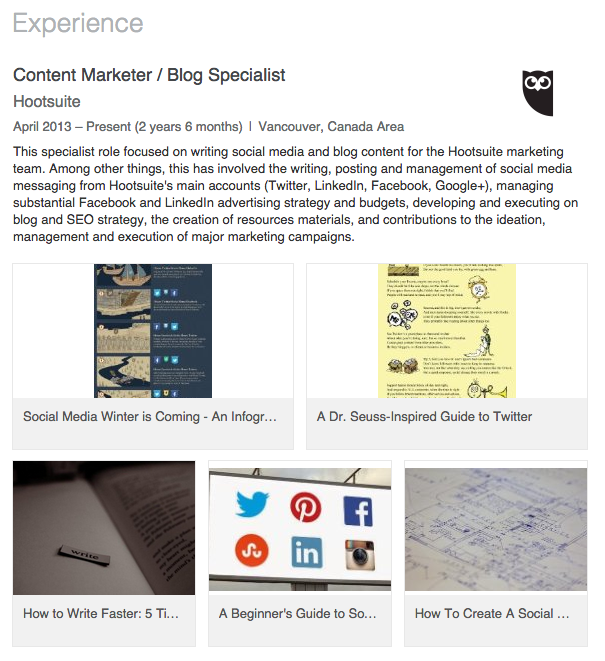
Add media to your LinkedIn jobs
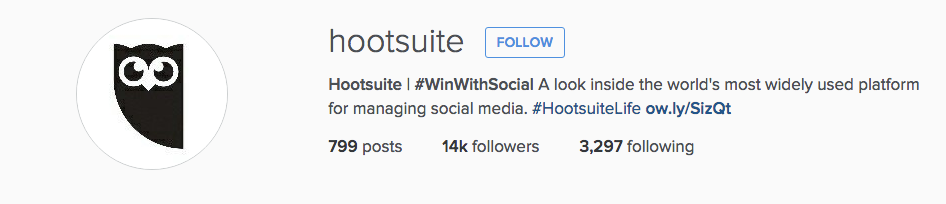
Rotate the link in your Instagram bio
Like relevant pages from your Facebook page
We all know that Facebook encourages us to share our interests with our followers. Not many people consider this decision strategically, though. When you make your interests or the Pages you like a public part of your profile, you’re giving people another means by which to judge or analyze you. If those likes are “One Direction” and “Glee,” you may not be giving off the impression you’re going for.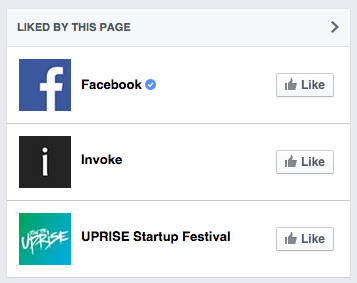
- Industries or fields, like “marketing” or “finance”
- Partner brands or industry leaders, like “Mailchimp” or “Unbounce”
- Thought leaders, like “Guy Kawasaki” or “Richard Branson”
- Positive interests or associations, like local charities or unions
- Casual interests you’re proud of, from local sports teams to public speaking
Publish a post on LinkedIn/Facebook Notes
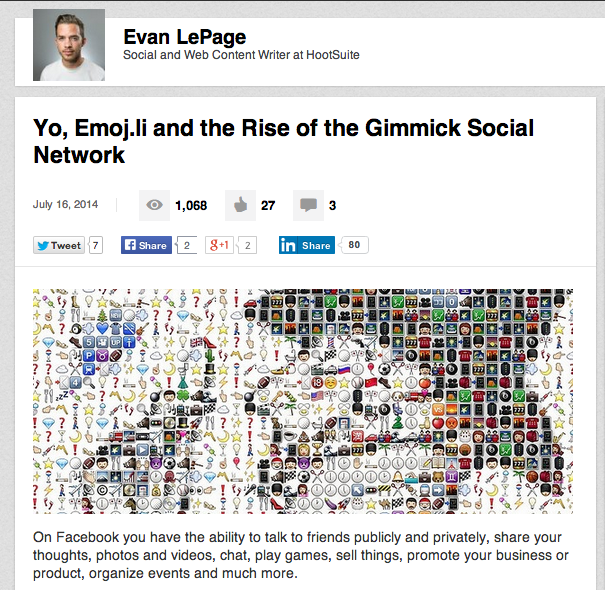
One of my own posts on the LinkedIn publisher
It wasn’t too long ago that LinkedIn made its publishing platform open to all users, a move that turned the social network into a quasi-blogging platform. With the success of LinkedIn’s publisher, and of Medium, it comes as little surprise that Facebook recently revamped its Notes feature to potentially compete in this front.What many users fail to realize is that, in order to promote these tools, LinkedIn and Facebook allow you to incorporate them into your profiles. When you publish a post on LinkedIn, it will appear on your profile in the “Posts” section. This important real estate is a major incentive to start writing posts for your LinkedIn audience. The same can be said of Facebook, which allows you toinclude Notes as a profile section, and notify your followers when you publish a new one.Utilizing these tools is an easy way to extend your reach and impress profile visitors. Think of it like your own mini thought leadership program. And, while it takes more than 30 minutes to create a new piece of content, you can easily use these tools to promote or tease existing content on your blog or website. Copy the first paragraph or two into a note or LinkedIn post, then tell people to visit your site for the rest. In just a few minutes, you will have added content to your profile and turned it into a source of traffic for your web properties. Not too shabby.Find more tips for optimizing social media profiles in our brand new social media education program, Podium.Related articles