1. Start with free images
Album art is still important. But the truth is, it’s usually an afterthought in the creative process.
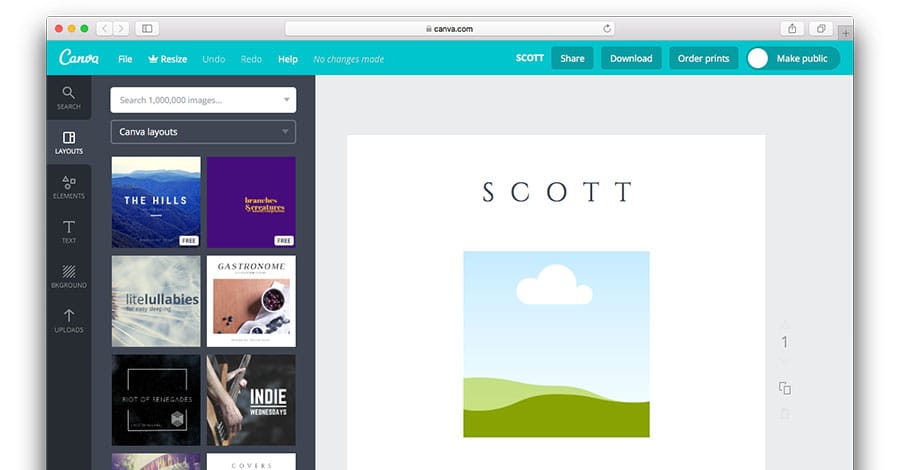
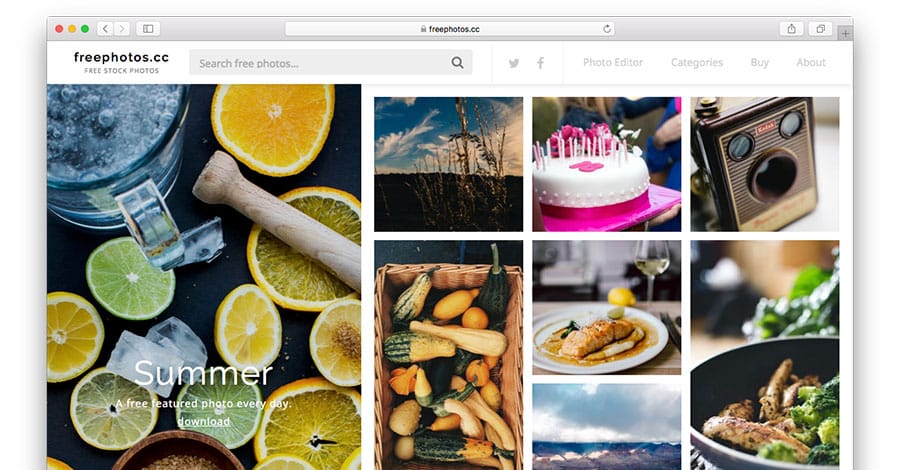
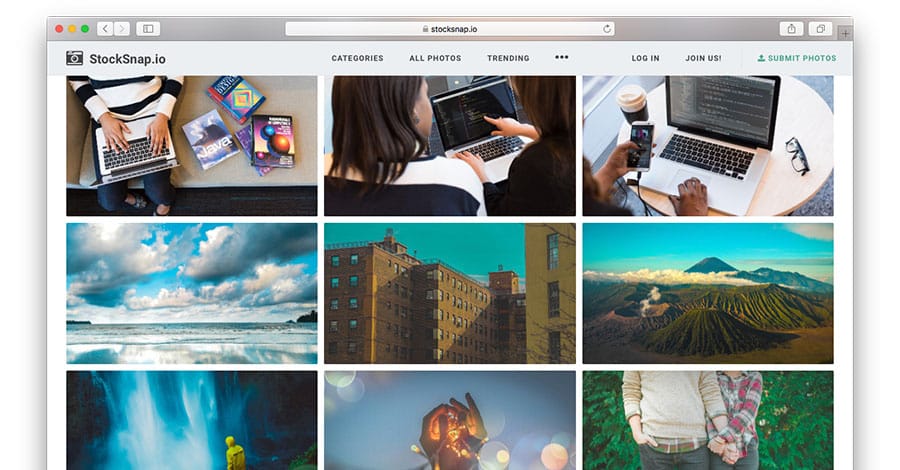
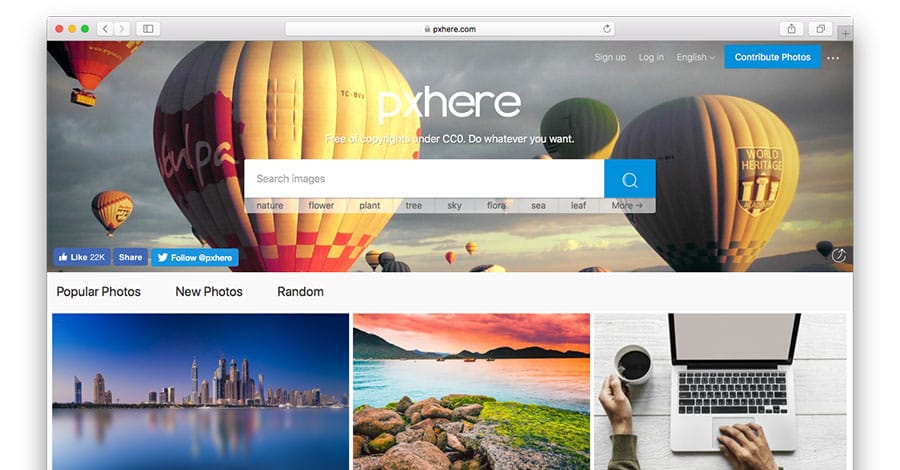
The first step is finding royalty free images to work with. Just like audio samples, your album artwork has to be copyright cleared to use.Many free image resources provide royalty free photos that you can download, edit, remix, chop up and mix to make album artwork that’s all your own.Here’s 8 royalty free image resources:Canva
Unsplash
You spend enough time honing your music and probably don’t have time to become a Photoshop wiz too.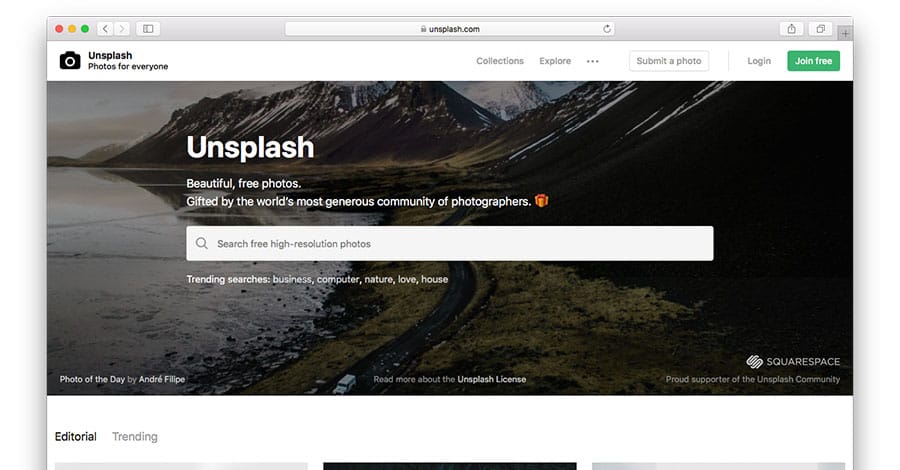
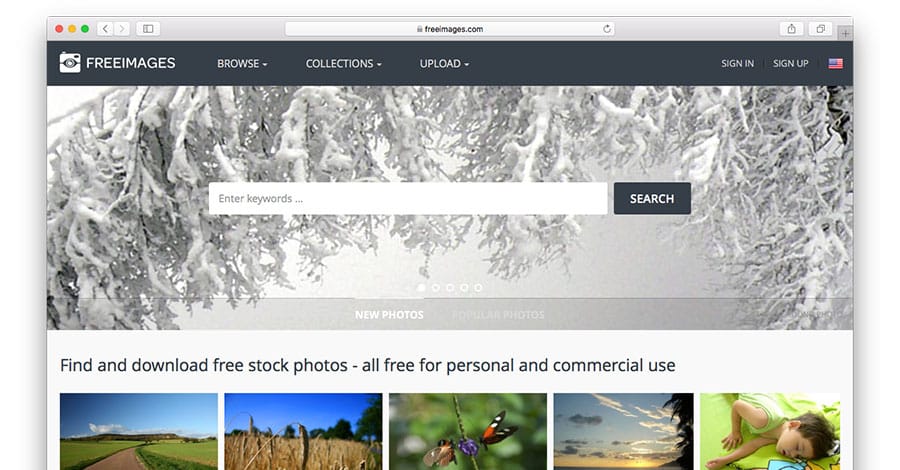
Free Images
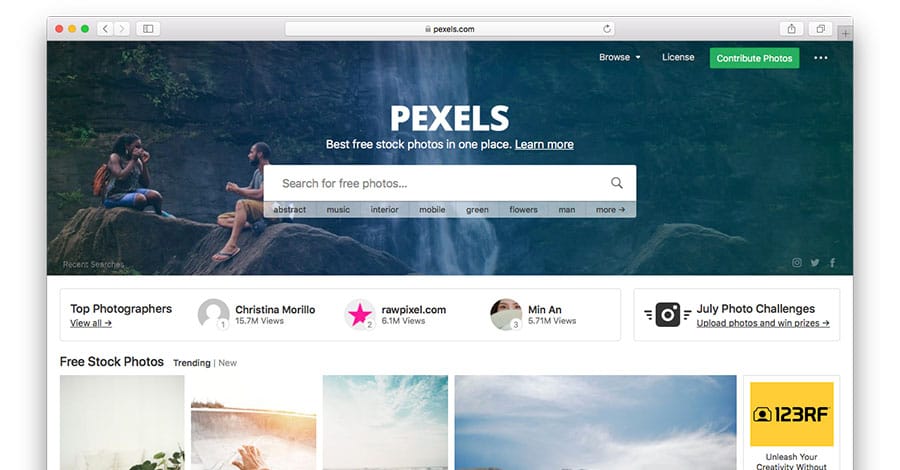
Pexels
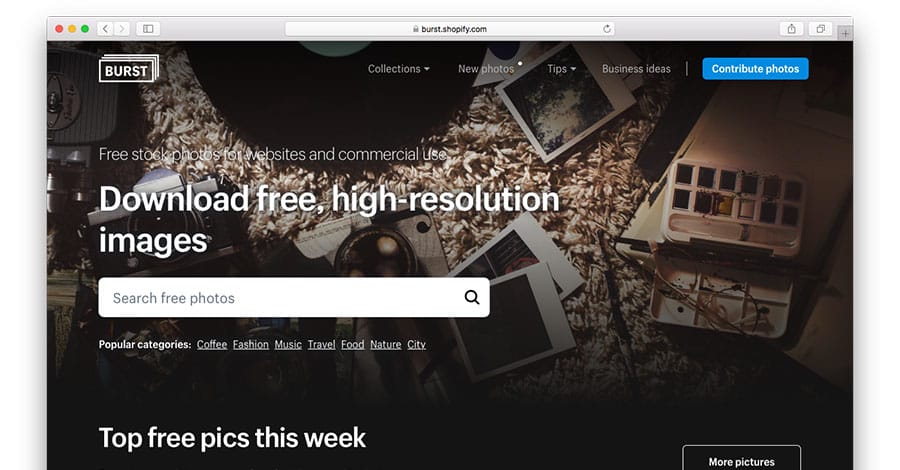
Burst
Free Photos
Stocksnap
Pxhere
2. Edit your image to make it your own
Your album art is the visual representation of your music on all streaming platforms and stores, so you need to take time to make it unique.Your album art needs to represent you and your music. Don’t just settle for the first raw image you find.Every image from each of these resources isn’t just free to download, they’re free to edit too… So edit them!You don’t have to be a top notch designer either.Here’s some online image editing tools:Use them to collage several images together, change the colors, add some layers and overlay your album title and artist name with a font you like.It’s completely up to you.Every image from each of these resources isn’t just free to download, they’re free to edit too… So edit them!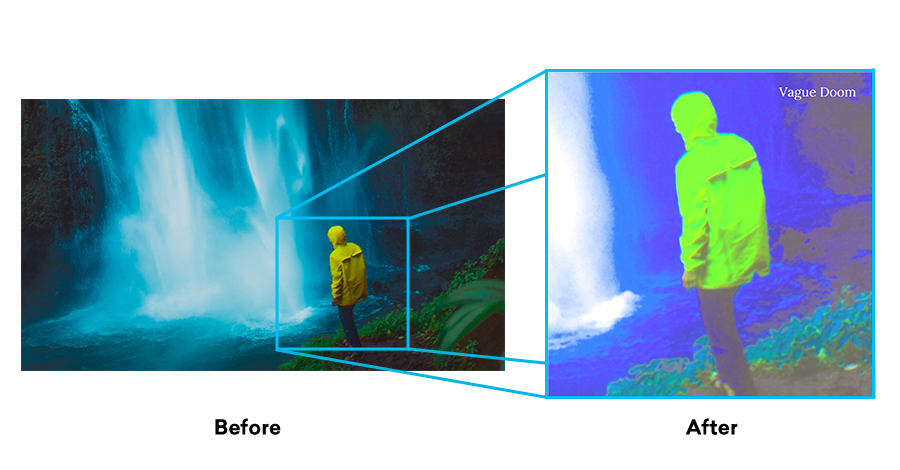
3. Make sure it fits
To distribute your music to all major streaming platforms, your album art has to fit some criteria. Follow these guidelines and you’ll be good to go when it comes time to release:- A square
- Minimum 3000 x 3000 pixels
- No blurriness or pixelation
- No URLs, hashtags or handles
- No pornographic images
- No references to brands
- JPG or PNG format
- Minimum 72 DPI