_________________________
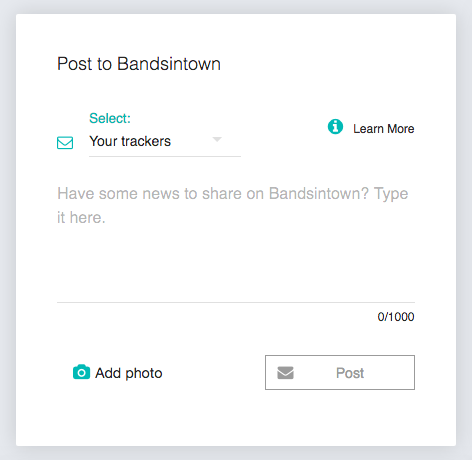
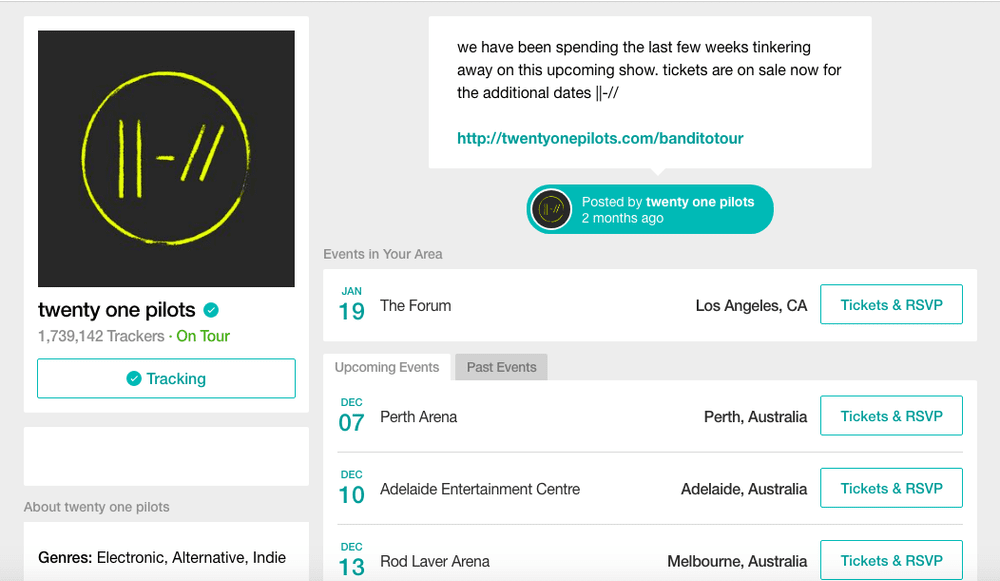
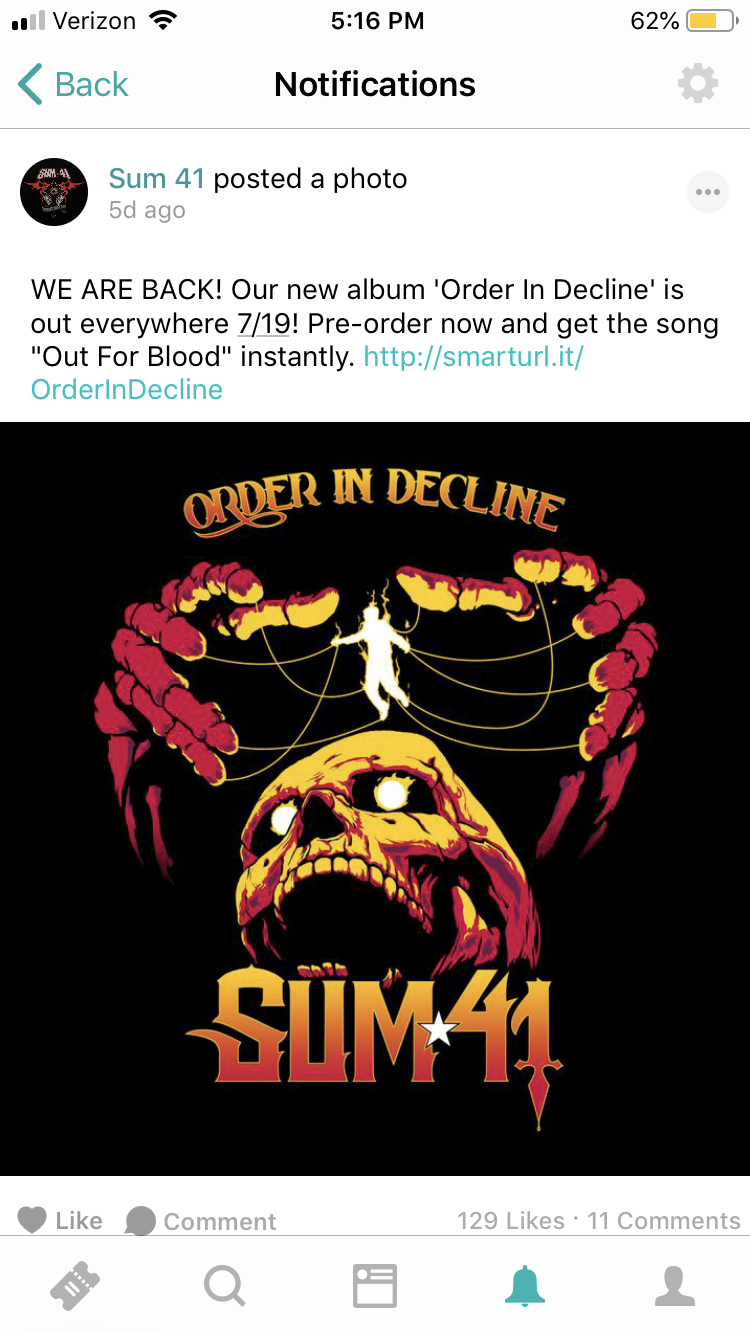
Artists can engage directly with all active trackers by posting messages about new albums or shows, sharing photos, and reminding them how much you love them. Go to the Home section and, in the Post to Bandsintown box, start typing your message in the text area.Post to your trackers In the Select drop-down menu, click on Your trackers. Type your message in the text area (max. 1,000 characters) and/or upload a photo by clicking on Add photo. When you're ready, hit the Post button. Your message will be posted to your artist page on the Bandsintown website and the Bandsintown activity feed in the mobile app and we will immediately send email and mobile push notifications and web push notifications to all your active trackers who are opted in. You can check the performance of your post under the Insights section after 48 hours. Post to the RSVPs of a specific event In the Select drop-down menu, click on the event for which you want to reach your RSVPs. Type your message in the text area (max. 1,000 characters). Note your message will automatically be sent with the photo you added to that event, if any, otherwise your profile photo. When you're ready, hit the Post button. We will immediately send email and mobile push notifications to all RSVPs of that event. You can check the performance of your post under the Insights section after 48 hours.