What do you need to get started on Facebook Live?
Nothing really. You probably already have a smartphone, and if so, everything you need is in your pocket. Plenty of musicians have streamed compelling concerts from their living room couch with nothing more than the built-in camera and mic on their phone, the Facebook app, and, oh yeah… :- A compelling title for the Facebook Live broadcast
- Good songs and a confident performance
- A quiet room
- A clear concept for the broadcast (length, song selection, theme, etc.)
- An interesting way to get viewers to interact with you (contests, calls-to-action, Q&A, etc.)
1. Invest in an external mic
The video quality of most smartphones today is impressive. The audio? Not so much. I mean, it’s fine if you’re trying to keep things streamlined, and you’re playing an acoustic guitar in a super quiet room. But if you want to improve the audio of your broadcasts, get a portable external mic that plugs into your phone via headphone jack or lightning cable, such as the Shure MV88.Here’s a list of small iOS microphones to start you off on your search, and there are a billion lists and videos and reviews for both Apple and Android devices, so Google away! But remember: if you want to keep things simple, the external mic should be able to point in the same direction as your smartphone’s camera, because that’s where you’ll most likely be positioned during the stream.2. Get an add-on lense for your smartphone
As I said, the video quality on most smartphones is already pretty great. But to take it up a notch — (maybe you want a wider, fisheye, or close-up look) — check out some external lenses.3. Look for the right camera mounts, tripods, selfie-sticks, oh my….
You COULD prop your smartphone up against a stack of books on a table. I’ve done it. But if you want the most flexibility, good angles, and peace of mind that your phone won’t fall to the floor in the middle of your best song, buy something sturdy that will hold your smartphone in whatever way you need for your style of broadcast.4. Use Chrome on your desktop
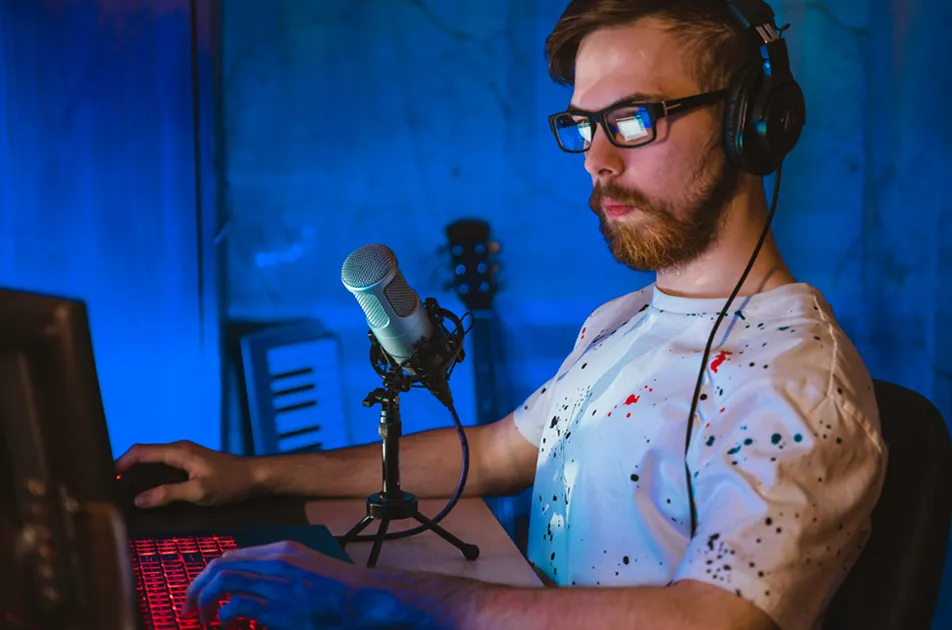
Chrome makes it easy to go Live on Facebook right from your desktop, meaning you can use any external camera and audio equipment that you’ve already hooked up to your computer. Granted, this setup won’t give you the portability of your smartphone, but the audio will be dialed in!Related articles