__________________________________
Guest post from the ReverbNation BlogAs an indie artist, most of the time you end up doing everything yourself from recording your album to taking your own band photos to promoting your new release. One of those do-it-yourself items is creating your album artwork. You may be thinking “but I’m not a designer” or “I don’t know how to use Photoshop.” An alternative route would be to pay a graphic designer to put something together for you. But what if that’s not in your budget?In this tutorial, I’m going to show you how to create your album artwork for free using a website called Canva. With Canva, you don’t have to know how to use Photoshop or pay a graphic designer. It’s very user-friendly and they even have templates you can use for social posts, album artwork, gig posters, and lots more.Before we begin the tutorial, let’s talk about the importance of well designed album artwork, design principles, and artwork requirements for distributing your music.The Importance of Album Artwork
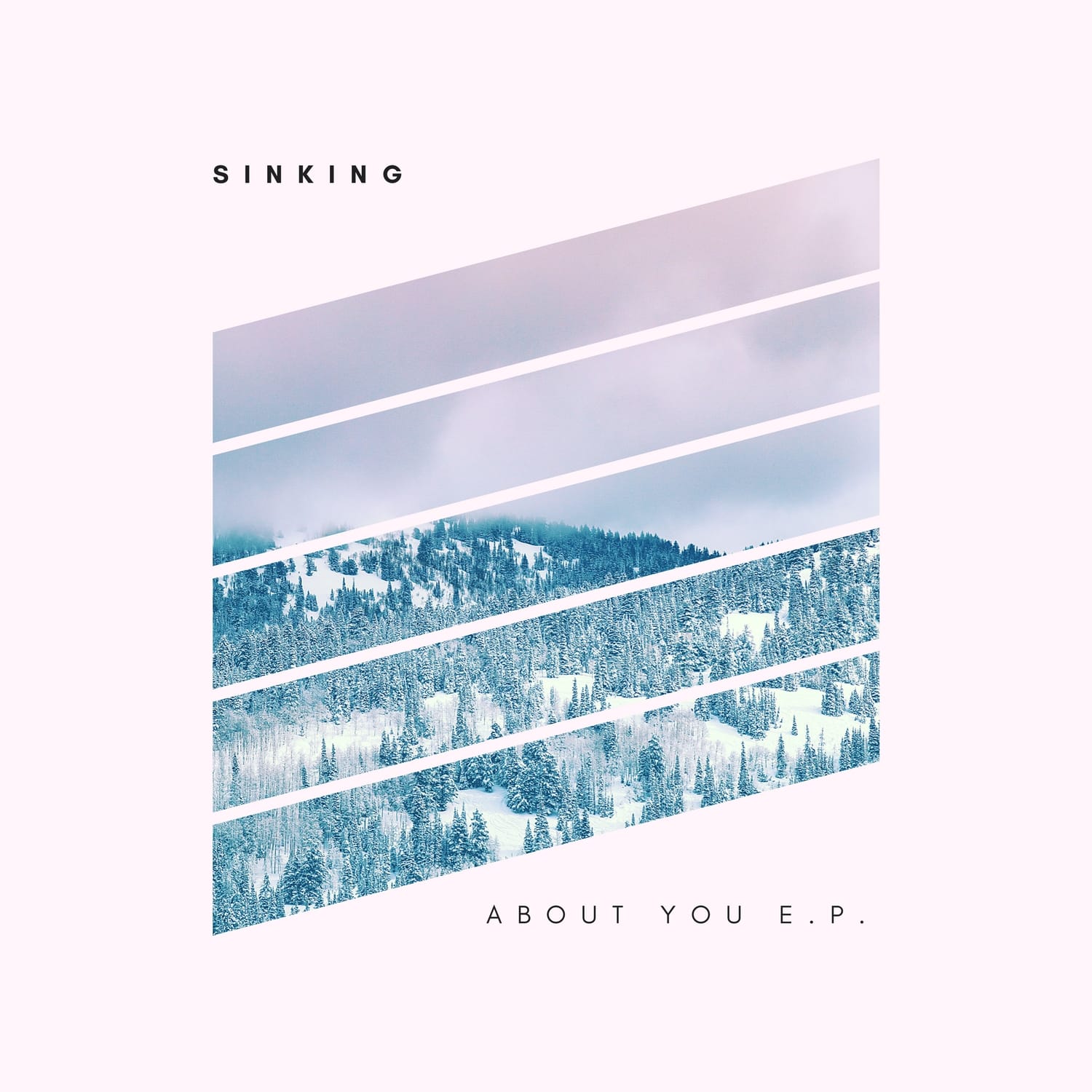
Your album art has the power to make you look professional or like an amateur. It can make you stand out in a sea of other artists. It’s also a great way to convey your brand and genre of music. For example, if you’re a folk artist with an acoustic sound, you might want to stick with organic imagery.Basic Design Principles
Without giving you a full-on art class lecture, here are some basic principles to take into consideration when designing your artwork.Typography
When using typography, less is more. Stick to two or three fonts at the most. Also, try to use fonts that contrast with each other like a serif font combined with a sans-serif font.White space
White space, otherwise known as negative space, is the unused space in a design. It can be a powerful way of drawing the user’s attention to a particular element in the design.Minimalism
When in doubt, keep your artwork minimal. Don’t busy it up with a bunch of text or elements that are competing with each other for attention.Repetition
Repeating objects or patterns help strengthen the overall look of the design and keep it consistent.Color
Color conveys certain moods and meaning. For example, red is considered an emotionally intense color. It is the symbol for love and can stimulate a fast heartbeat and breathing. So take what colors you use into consideration when creating your design.Album Artwork Requirements for Distribution
If you plan to release your music at all, there are requirements you’ll need to follow when using digital distribution:- Must be at least 1500 x1500 pixels.
- Must be high quality and not blurry.
- Cannot have drugs, nudity, or extreme violence.
- Cover art may only have text that matches the release details you provide and is limited to your release name, artist name, featured artist names, and record label.
- You may only include logos and websites to which you own the rights.
What is Canva
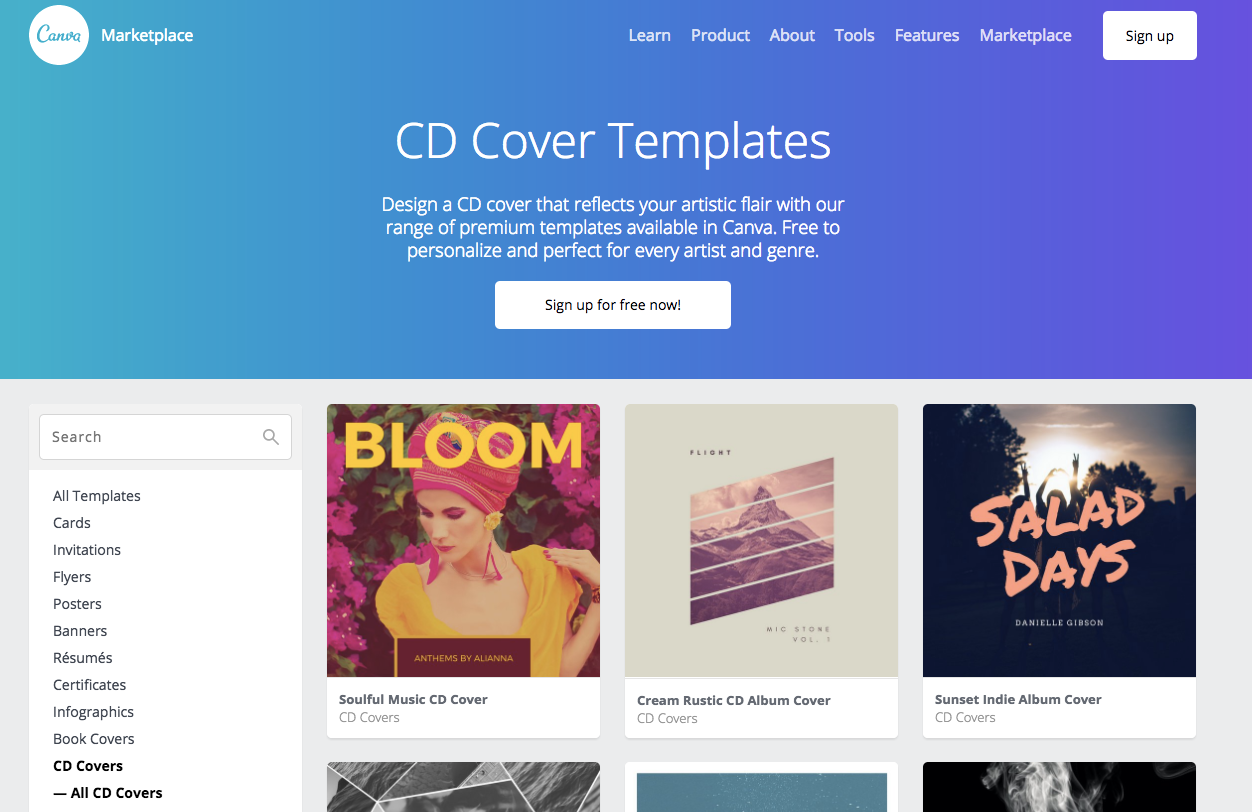
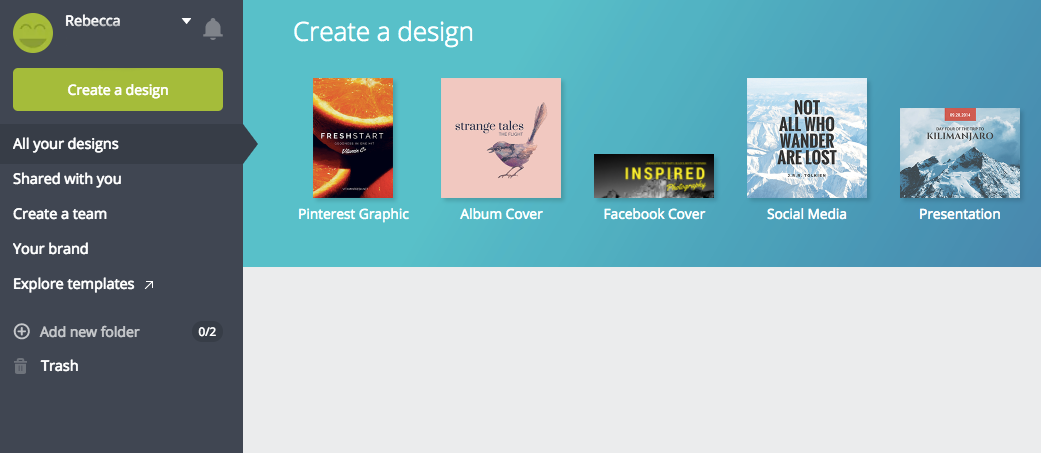
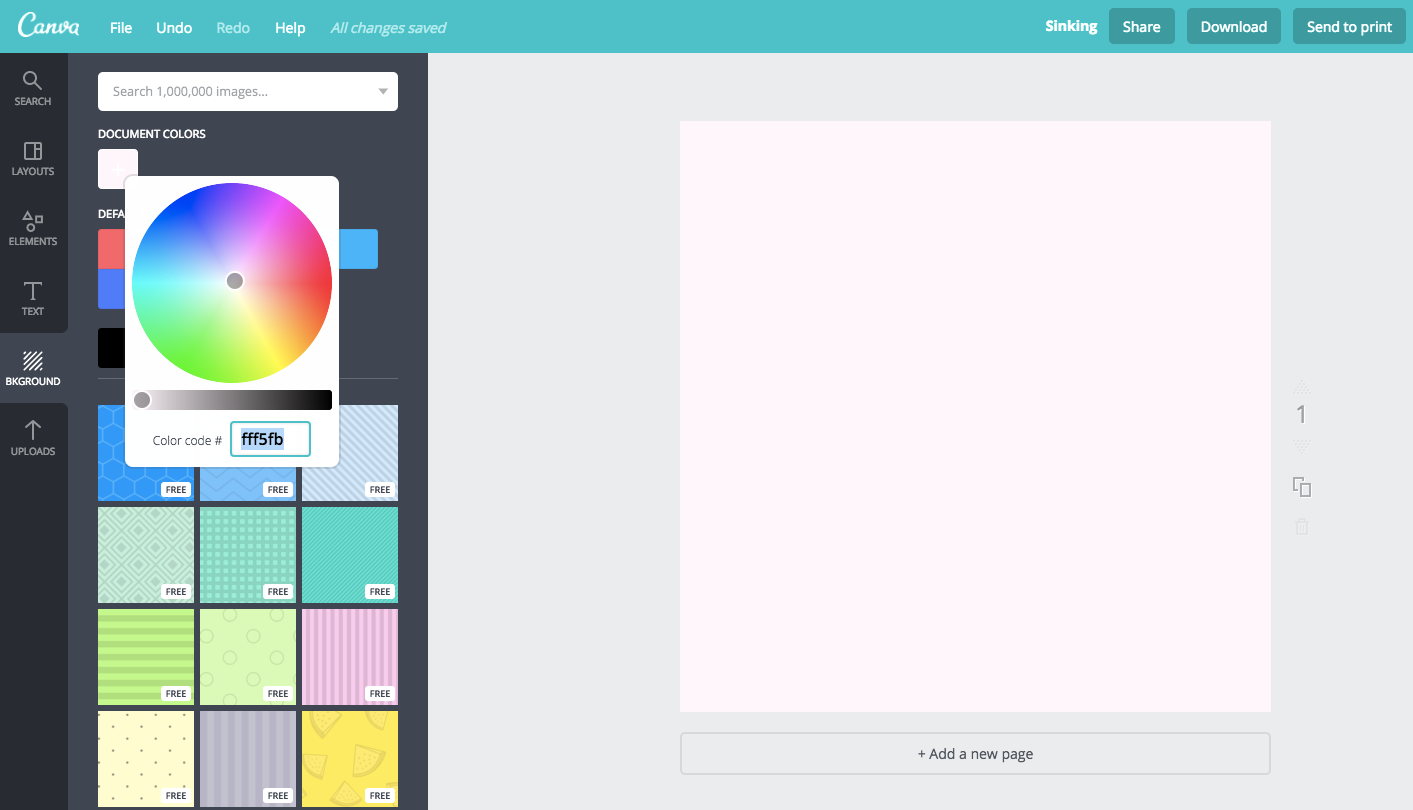
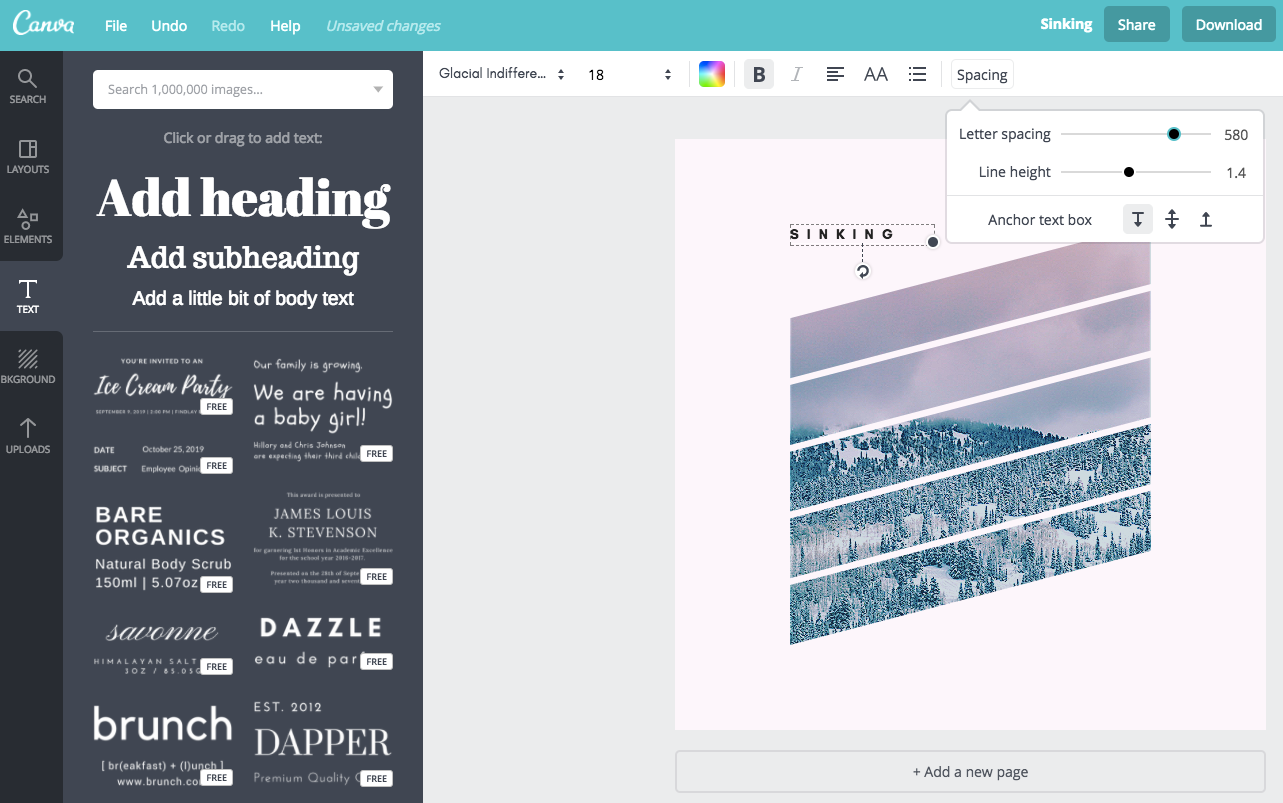
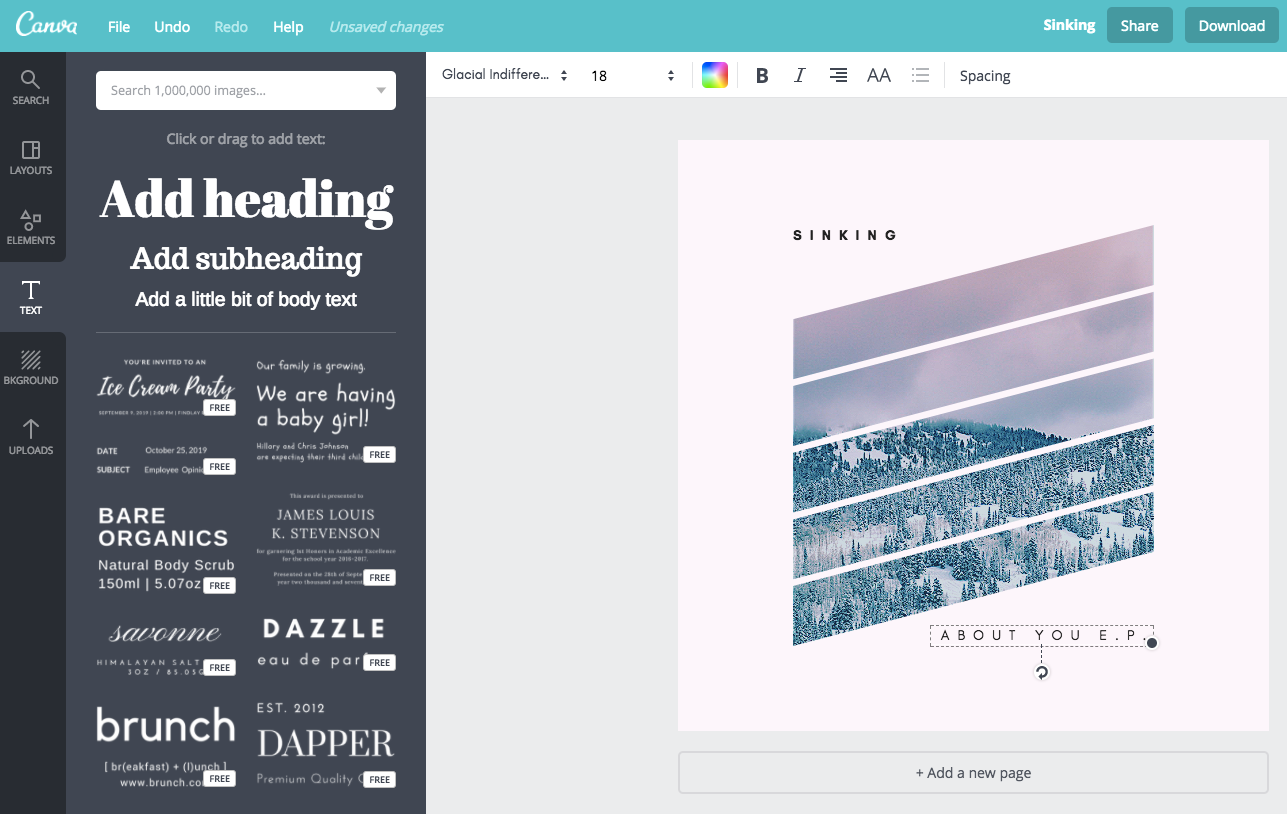
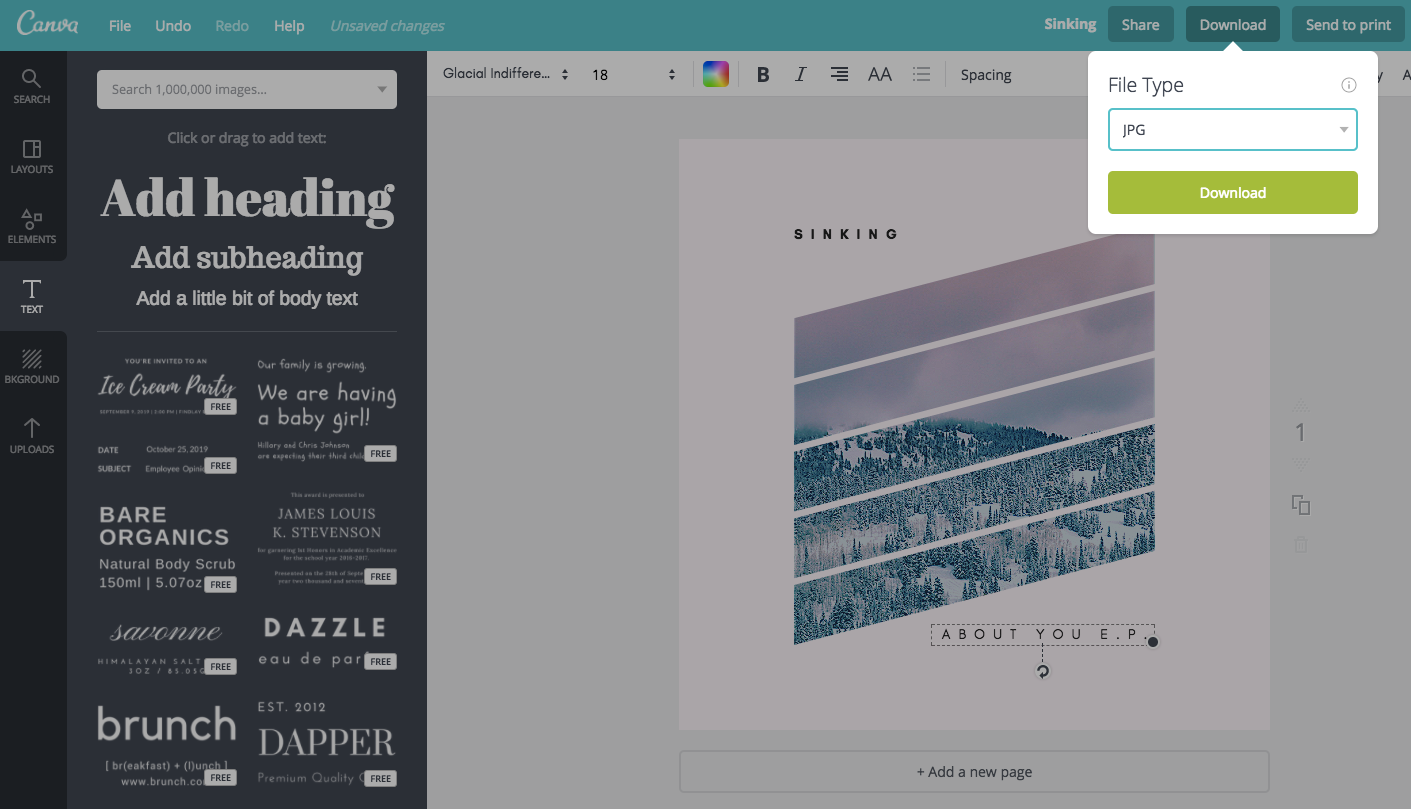
Canva is a website that makes it easy for non-designers to create graphics like social media posts, flyers, business cards, album artwork, and more. They have lots of pre-made templates that you can use or you can create your own custom designs. Although you do have to pay for certain features, you can do a lot with it’s free options.In this example, we’re going to recreate one of their pre-made templates. The reason for this is that their album artwork templates are defaulted at 1400×1400 pixels and you need to have a paid account in order to edit the dimensions on their templates. And in order to have your music accepted for distribution, 1500×1500 pixels is an artwork requirement. So I’m going to show you how to get around that for free in Canva.First step is go to Canva and sign up for a free account.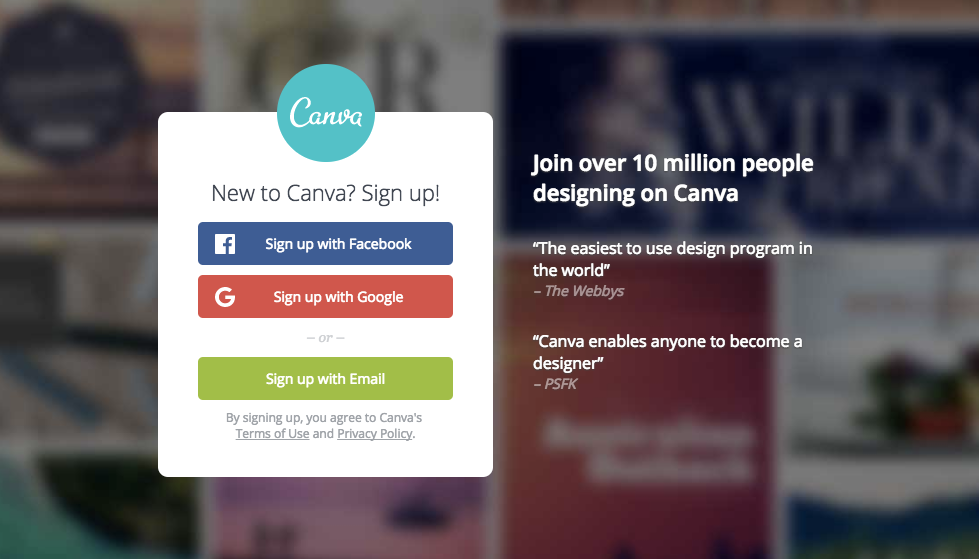

Related articles