____________________________
Guest post by Veselina Gerova of The MessageMessenger bots let you reach 100% of your fans — and Messenger content has higher open rates than almost any other channel, reaching 90–95%. This article series is dedicated to highlighting practices we’ve seen working time and again, to help you get the most out of your Messenger bot.Once you’ve created and launched your own bot, you’re now ready to start talking to your audience and reaching your fans directly. There are different tactics you can use to get fans to interact with your bot. We’ll explain some of those in this article.For starters, you need to be aware that your Facebook Page fans will NOTautomatically receive messages from you. Before any interaction takes place, they’ll have to first opt-in, which for them means just pressing the “Get Started” button in the chat.If this wasn’t the case people would get hundreds of messages from every page they follow — nobody wants that. Also, keep in mind that being on Messenger early on gives you a competitive advantage — it lets you establish your brand in your fans’ minds before everyone else decides to launch a bot. Now is the time to get started with Messenger.However, since Messenger bots are somewhat new and not that many FB users are accustomed to them, the key to getting people on your Messenger bot is to inform them that you have one and they should “message you”. Beware that a lot of your fans might not know what a Messenger bot is, how it works or even that it is not necessarily the artist in person talking to them.So how can you get your fans to message you and try out your bot?
Here are some really useful ideas:Put your m.me link in your Instagram and Twitter bios
Let’s face it — most people who are active on Twitter and Instagram are almost certainly going to use Messenger as well. For a quick comparison, check out these numbers:Twitter has 330 MAU, Instagram has reached 800 MAU and Messenger has 1.2 Billion MAU. Yeah, they’re on Messenger.So why not hit multiple birds with one stone? Just use a CTA under your posts on Instagram or Twitter urging your fans to use your link in the bio section (your m.me link) to connect on Messenger where they can “read the full post/ check out your latest video / send you their demo/ etc.”.By getting them to connect in this way, they are getting more value — and you and your artist or brand are opening that valuable direct connection with a fan.You can generate your own m.me link by inserting the name of your FB page after the m.me part of the URL: e.g. https://m.me/LilisFacebookPage.Create a customized cover photo for your FB page
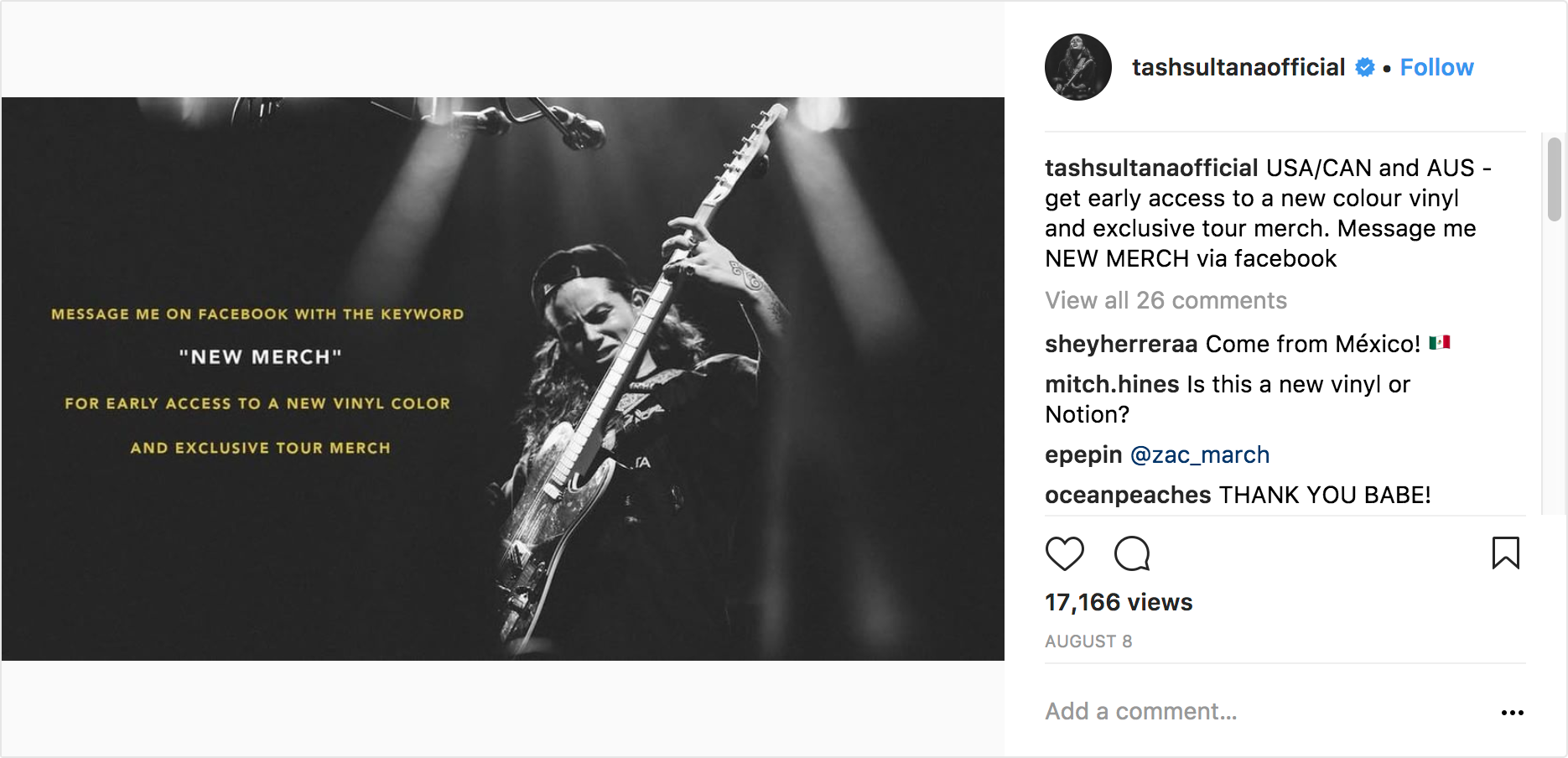
Another smart way to get fans to notice you have a Messenger bot is by creating a cover image for your FB page with a strong CTA to urge them to click on that “Send Message” button.Next to that, make it juicy; give them an incentive to check out your bot- mention you’ll be sharing exclusive content on there — something they won’t be able to find anywhere else or that they can unlock exclusive merch or other rewards. Like, a behind the scenes sneak peek from your latest tour.The thing is, not only is the cover image impossible to miss, but also people’s fingers will be itching to check out that exclusive content you promised them. For some inspiration, check out Tash Sultana’s example below.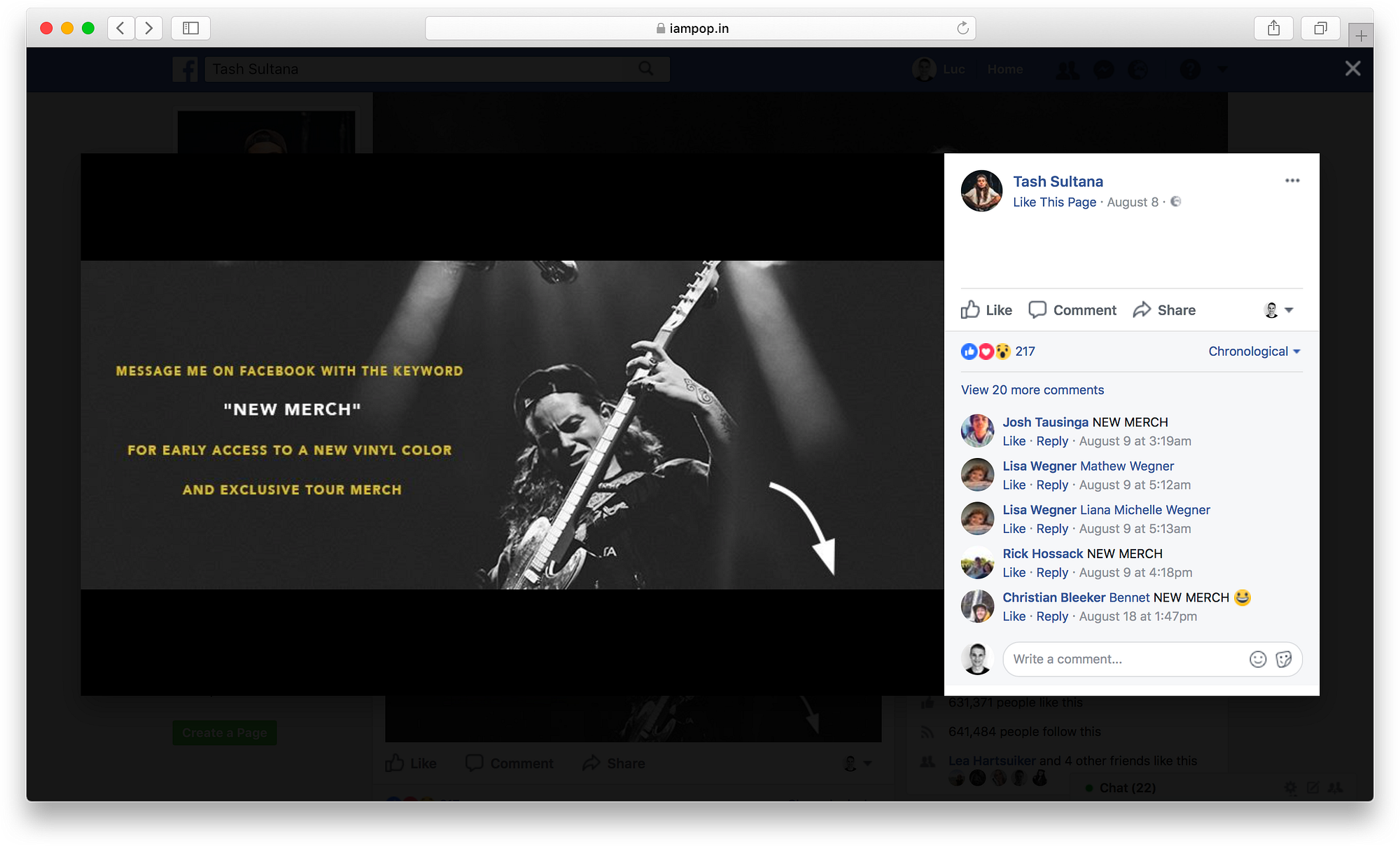
Create a video or a simple post to encourage people to message you
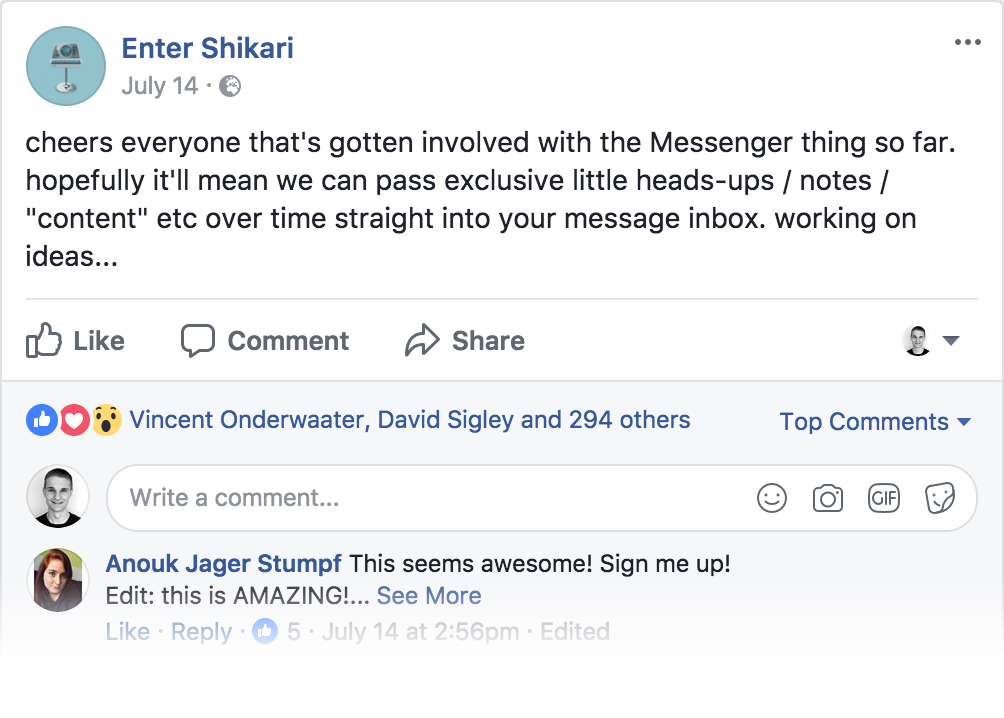
If you want to take it to the next level and really get fans to notice you, you can record a video of yourself announcing your Messenger bot and post it on Facebook for all your fans to see.Or you can keep it simple and just write an informative post about your Messenger bot. Or you can do both. There are some really good examples below that show how Armin van Buuren, Tash Sultana and Enter Shikaripromoted their own Messenger bots.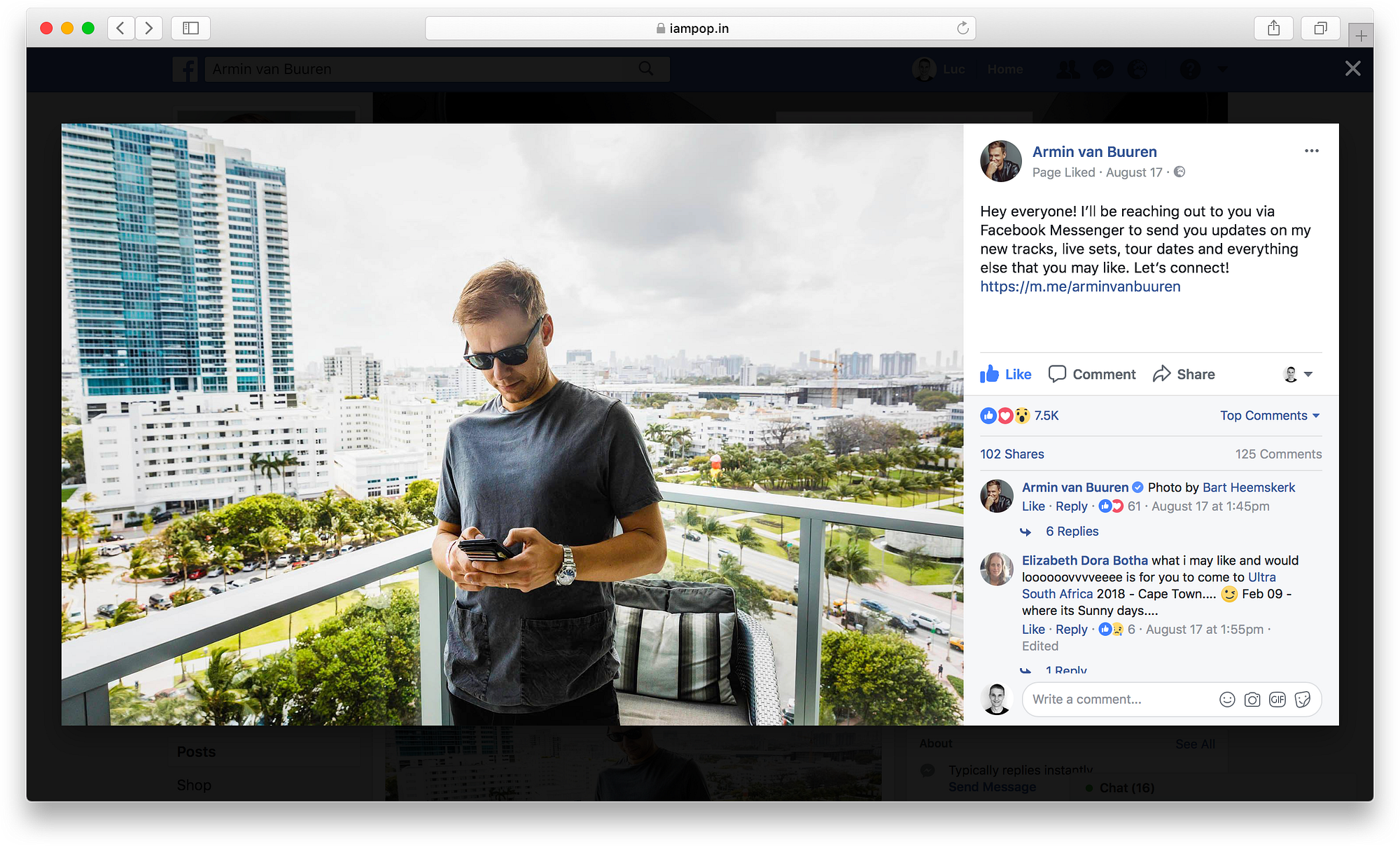
Make sure to have the right settings on
When you’re on your Page, you can go to “Settings → General settings” and enable the “Prompt visitors to send messages”. That way when people land on your Page, they’ll be able to start a conversation with your bot immediately since the chat pops open (this happens on desktop).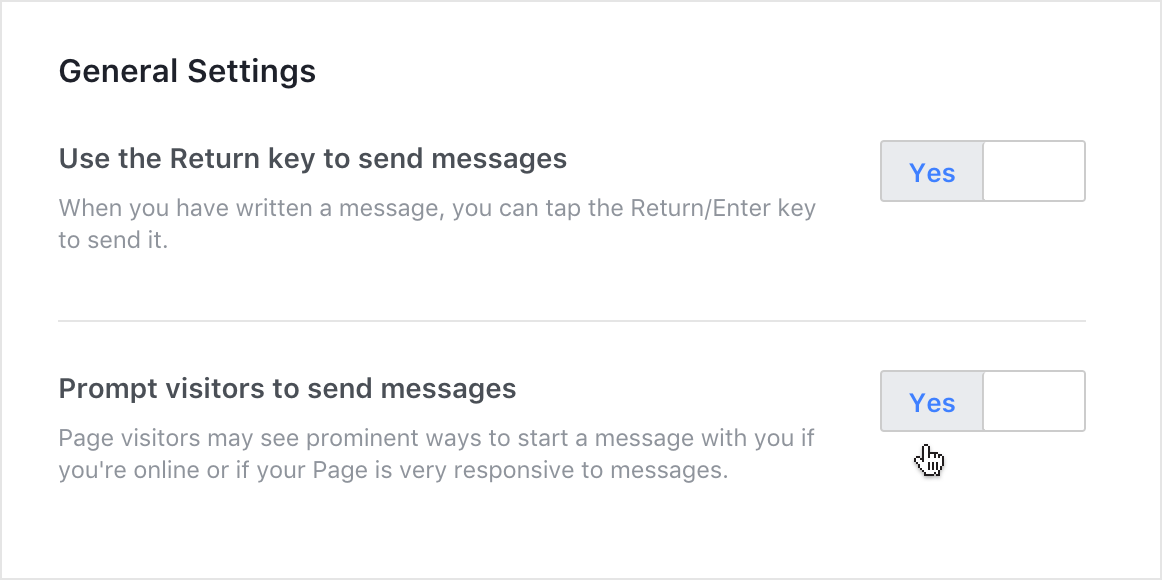
Get your bot on the Messenger Discover tab
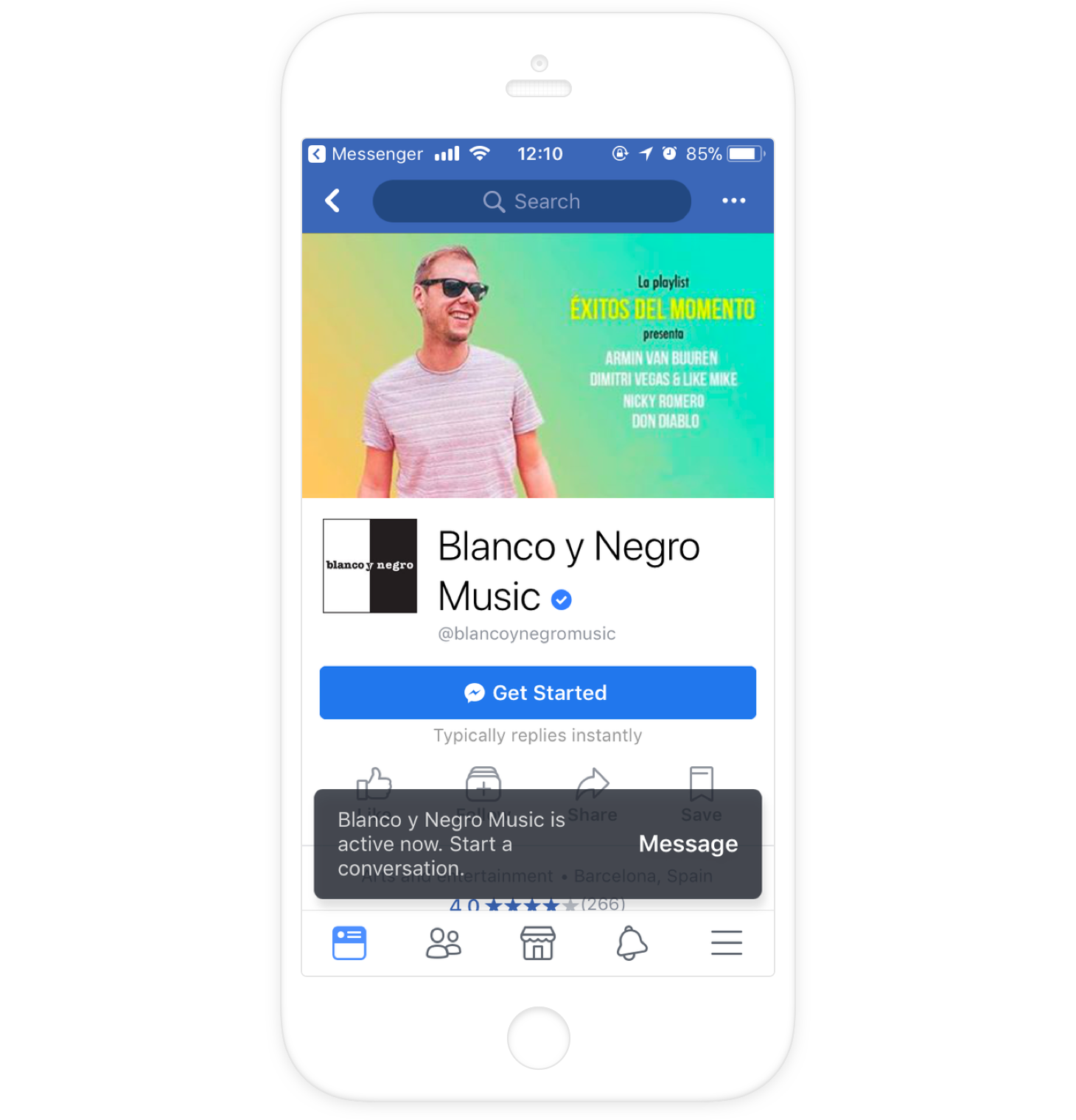
Have you heard of the Messenger Discover tab? If you haven’t seen it yourself or you’re not clear what it is exactly, you can read more about it in detail here.The point is to get your Messenger bot featured in the Discover tab so it gets more visibility. Once it’s there, more people will be able to find it and interact with it. Venture Beat’s Khari Johnson wrote an article to help you out with that.You can set it up by going to your page and then “Settings → Messenger Platform → Discover settings”. By clicking on “Set Up” you’ll have to fill out the following details (those are details that can make your bot stand out from the rest):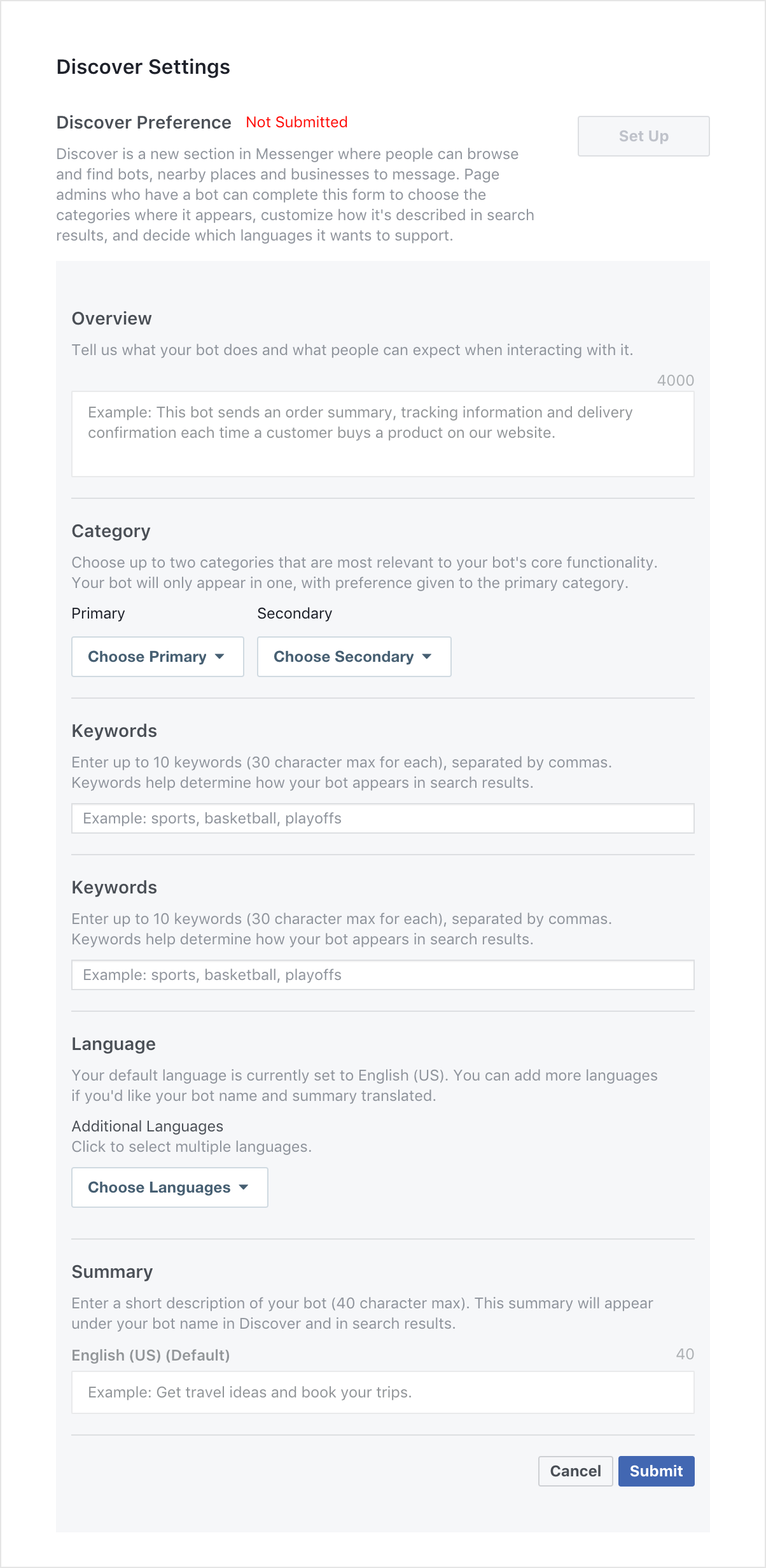
Customize your FB page button
Another thing you can do is customize your “Send Message” button on your Facebook Page. Copy and CTAs are very important when it comes to catching your fans’ attention and FB has made it possible for you to tinker with those until you’re happy. Just right click on the button and then choose “edit button”.Use the embed code from Promote Page
If you’re a POP user (let’s stop here if you’re not and change that asap), you can go to “Promote” in your POP dashboard and then use the embed code to add a Message Us button to your website. This is what to look for:
Use the Messenger Plug-In on your website
One of the latest Messenger developments is the new plug-in for websites. If you want to read about it more, check out the article below:Facebook introduces a Messenger plugin for business websites
Facebook Messenger is coming to businesses' own websites. The social network announced today the launch of a new…
Related articles