Creating Your SoundCloud Account:
Creating an account is simple. Enter an email and password, or sign in through Google or your Facebook Page. Either way is fine.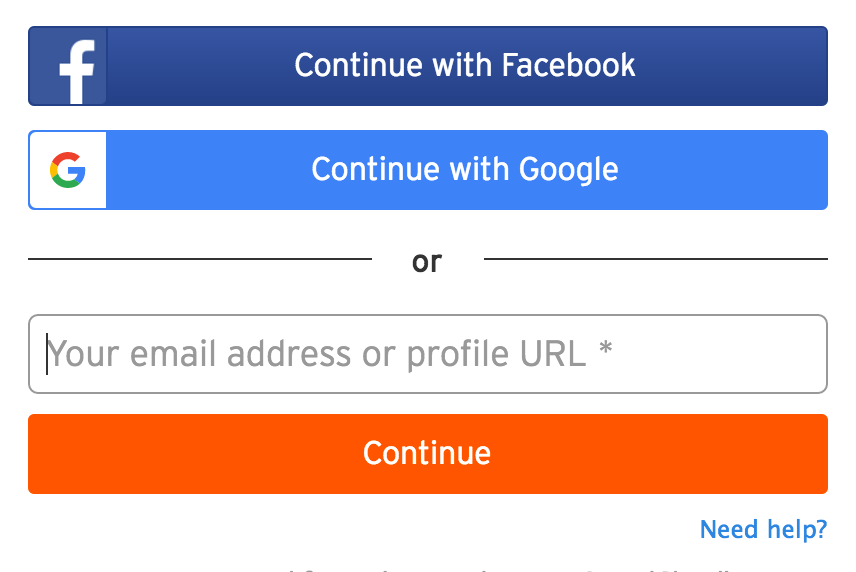
Plugging Social Media Links & Bio:
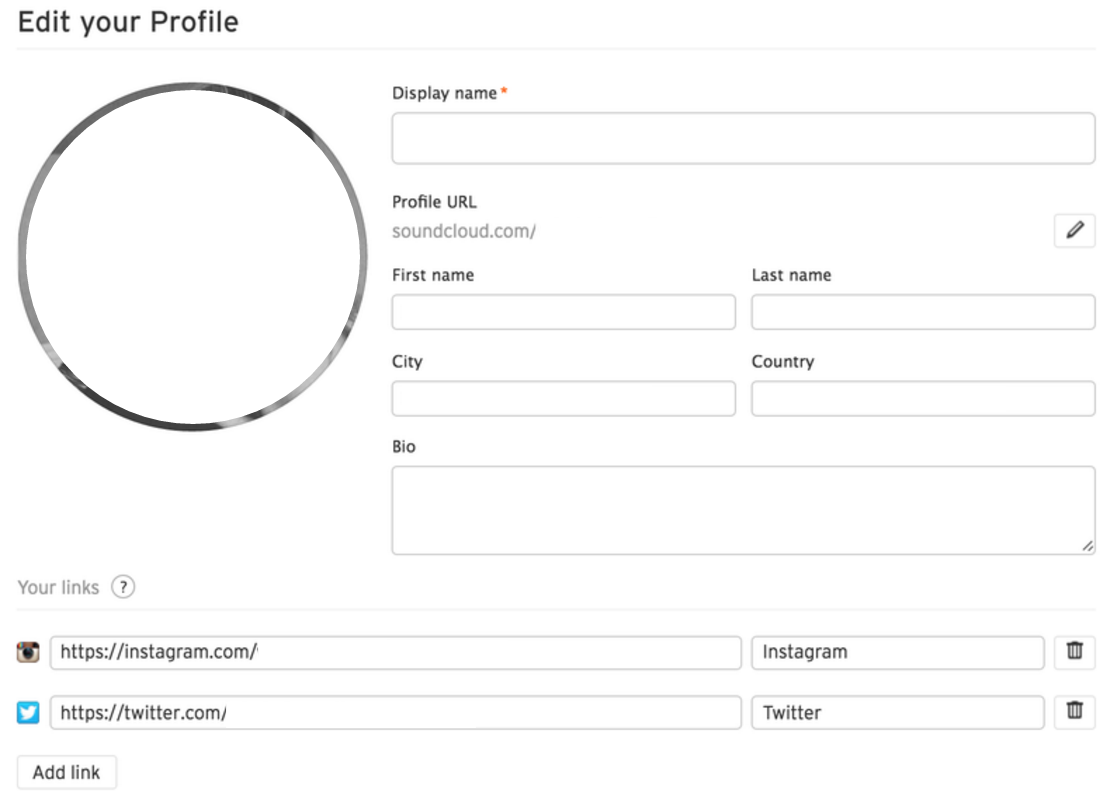
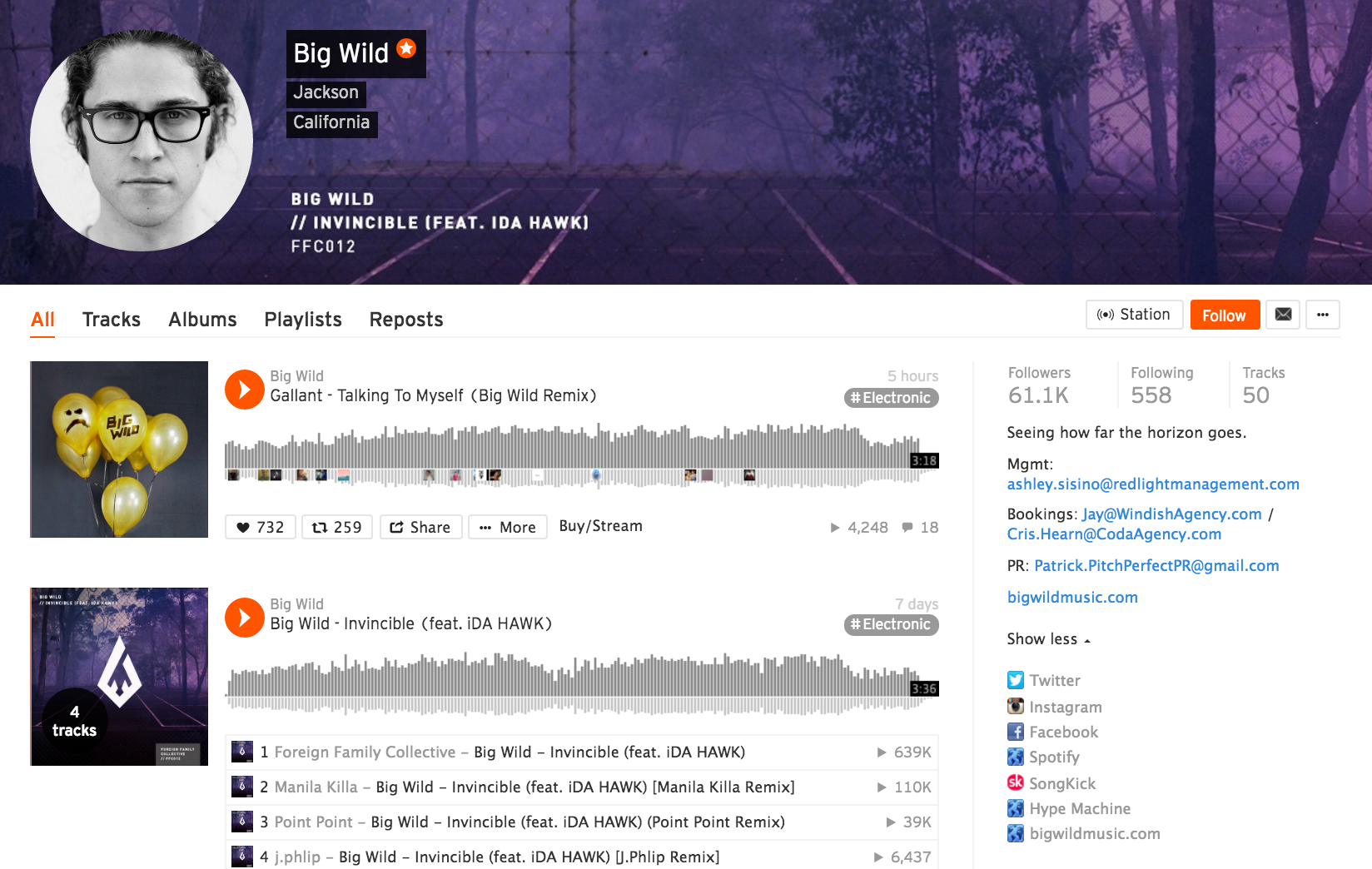
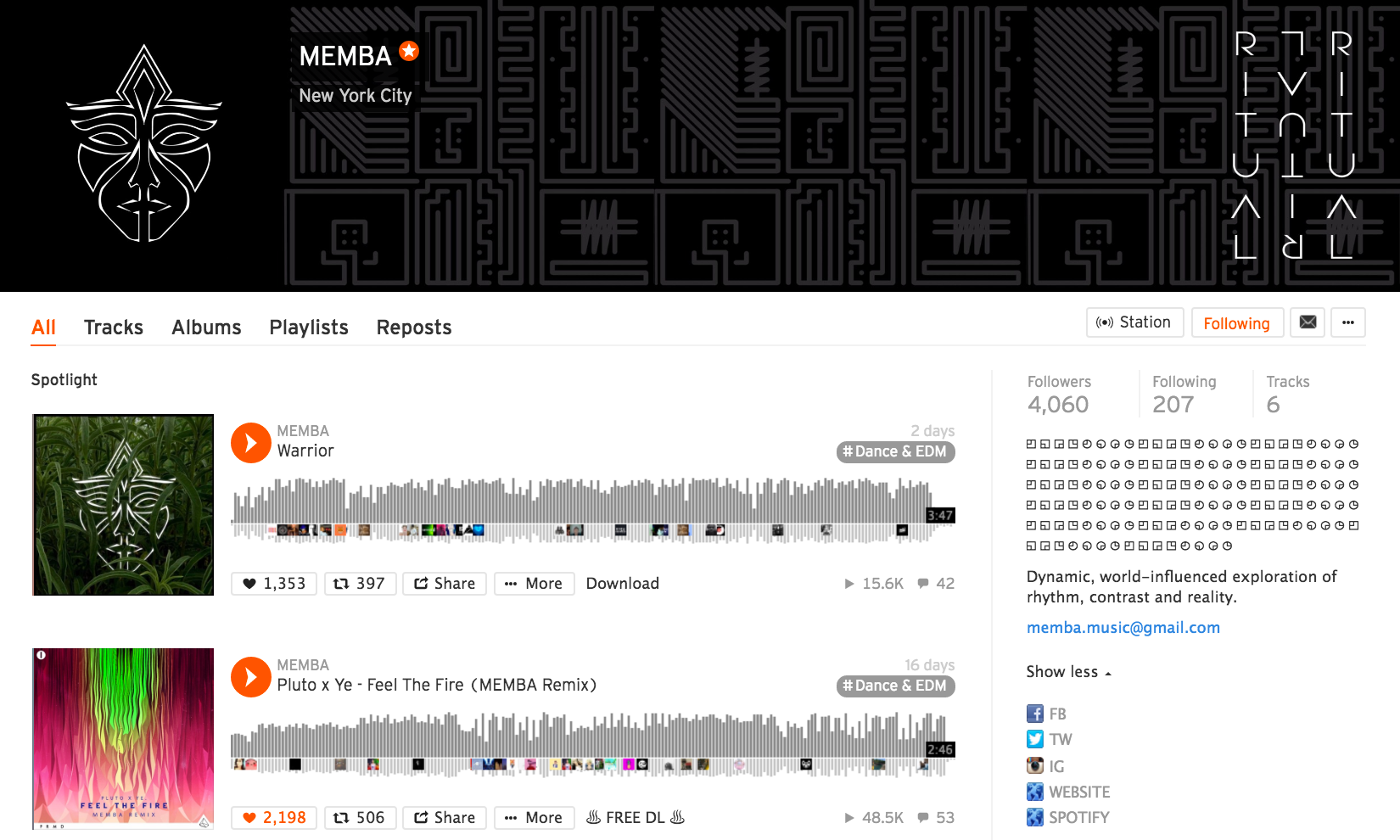
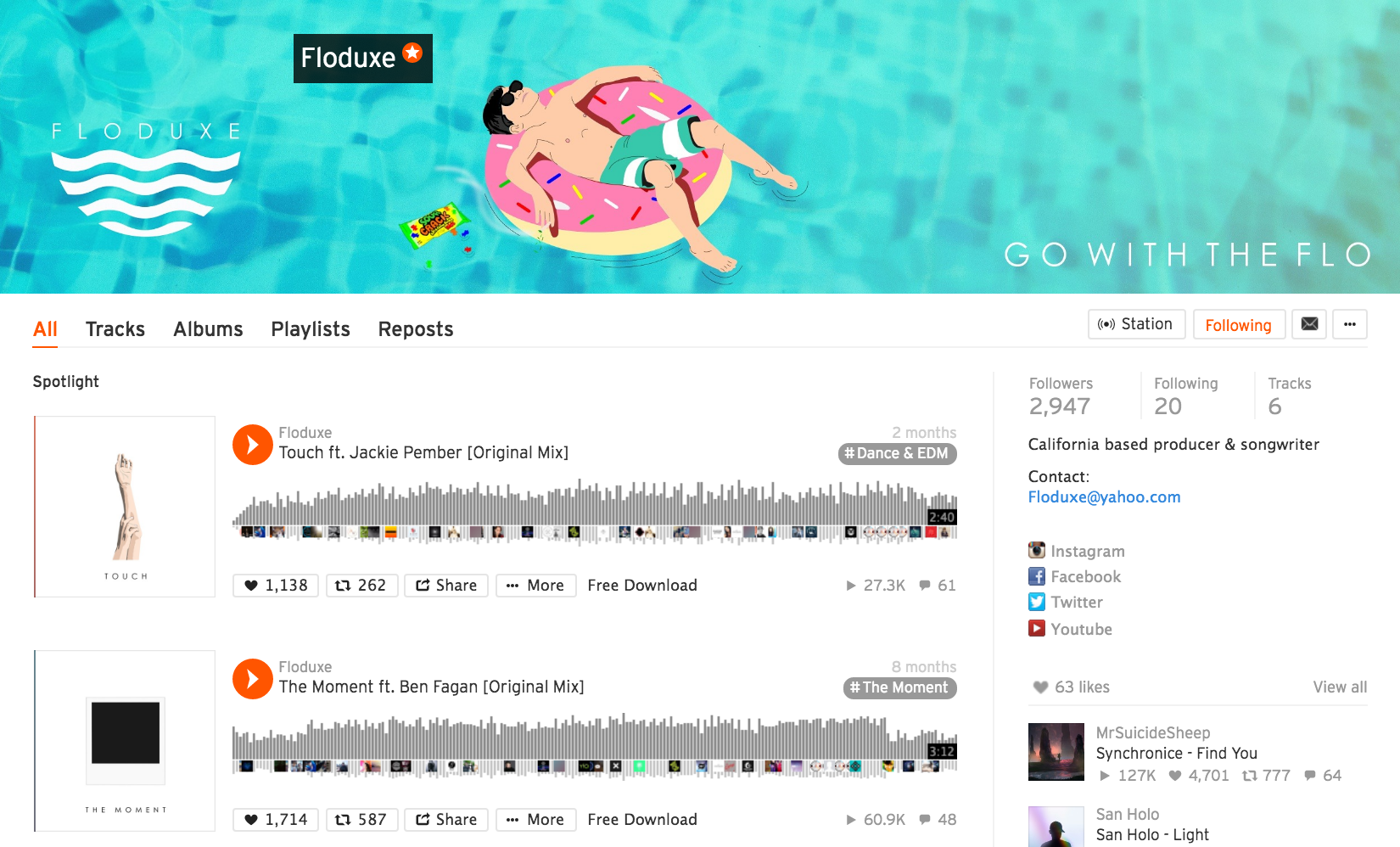
Make sure your SoundCloud page has links to all of your other social networks, along with a short bio. Do this by clicking “edit” on the right hand side of the page, directly above where your followers, following and tracks are listed.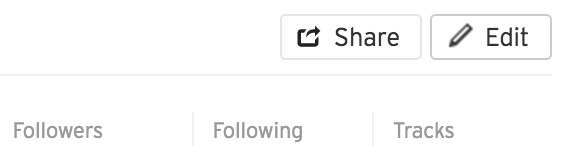
Uploading Your Music:
On the top right of the page, click “UPLOAD.”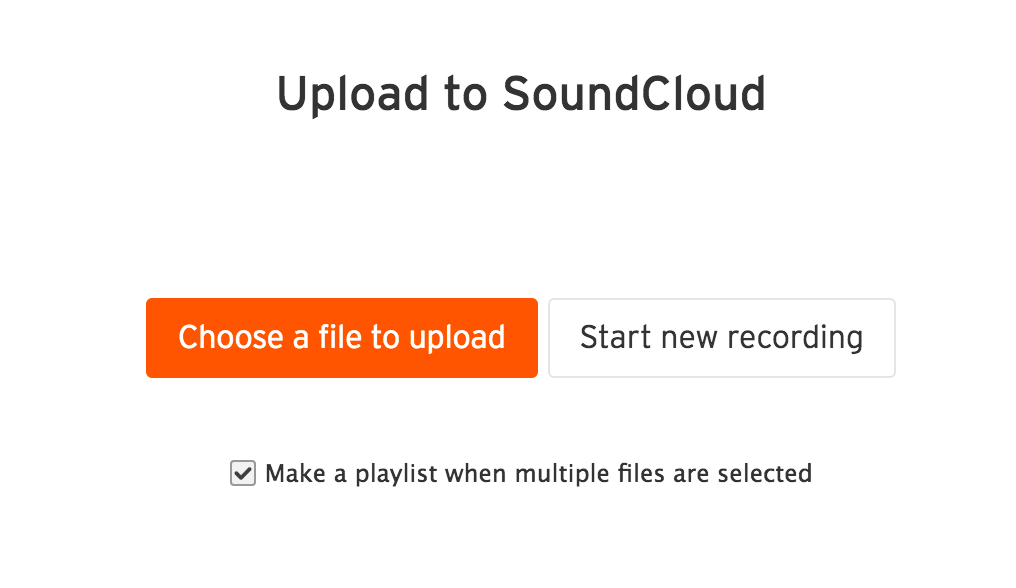
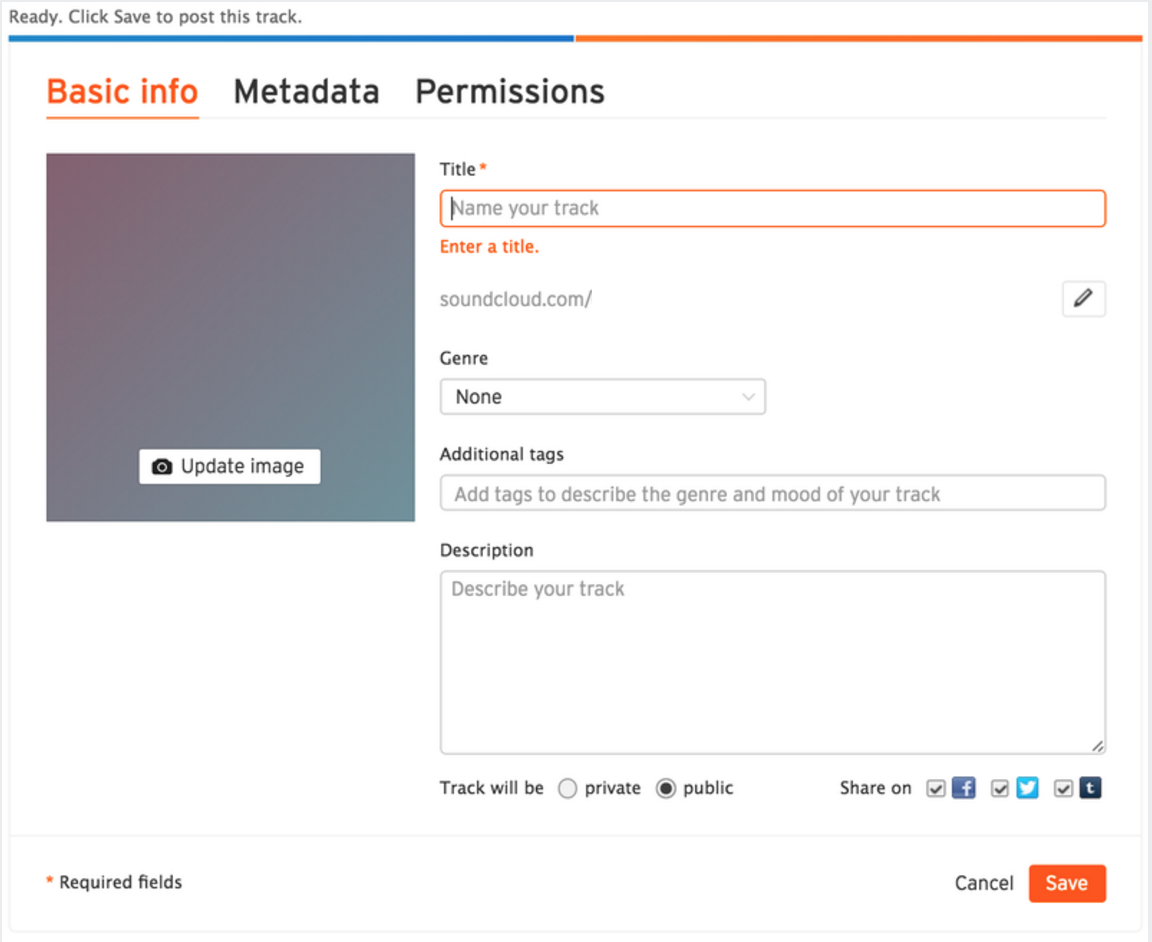
- Click “Update Image” and insert your cover art – we will be talking about visuals in part 2 as cover art is important!
- Title your track (do not include your artist name)
- Choose your genre (if multiple genres, choose the primary one)
- Enter other genres in the “Additional Tags” section. Also include noteworthy producers or collaborators.
- Write out a short description of your track. This could (but is not limited to) include:
- Release info on other streaming services
- Physical release or accompanying merchandise links
- A sentence or two about the inspiration for the track
TUESDAY – The Musicians Guide To SoundCloud: Part Two
Related articles