_______________________________
Guest post by Monique Danao of SkedsocialFirst came Instagram Stories — then came Instagram Live.It’s no secret that live video took the world by storm in recent years.Research from Tubular Insights found that people spent eight times longer watching live videos than on-demand.Another study found that 80 percent of users would rather watch live videos from a brand than read a blog. Additionally, 82 percent preferred live videos compared to social media posts.These statistics show that live videos are the future. So, it’s no surprise that Instagram jumped in the bandwagon and launched Instagram Live.Take Your Instagram Feed to the Next Level
Download our 100+ page ebook Instagram for Business to learn how to better utilize Instagram today.The Ultimate Guide to Instagram Live
Instagram Live marks the social media giant’s foray into the live streaming space. (Find out more about other hot Instagram trends.)Similar to live videos on Periscope, Facebook and Youtube, Instagram Live allows you to create live broadcasts.Instagram Live doesn’t just allow you to create a broadcast, but it’s also a means to interact with audiences in various ways and attract new followers. It’s also an excellent tool for brands and businesses looking to connect with their audience in a new and fun way. For instance, it allows users to interact or send questions via comments. Hosts can use face filters and also invite viewers and friends to join them in the broadcast.Viewers can also find top live videos in the Explore page. This enables influencers and brands to expand their reach and improve their searchability.With a reported 700 million users on Instagram, Instagram Live is a fantastic way to engage with followers around the world.Now, how do you use Instagram Live? Where do you find live videos on Instagram? How do you use face filters and invite other users to join your broadcast? And how do you promote it to ensure you get plenty of people watching? (hint: Schedugram makes this really easy to do).Read on to find out.How to Find Live Videos on Instagram
How do you know if an account you’re following is live?On the Stories bar, you’ll see a row of accounts you follow with their avatar inside circles. If you see the word “Live” at the bottom of a user’s avatar, in the color in red or pink, then that user is currently live.To watch their livestream, simply click their avatar.You can also find live videos by clicking the Explore tab.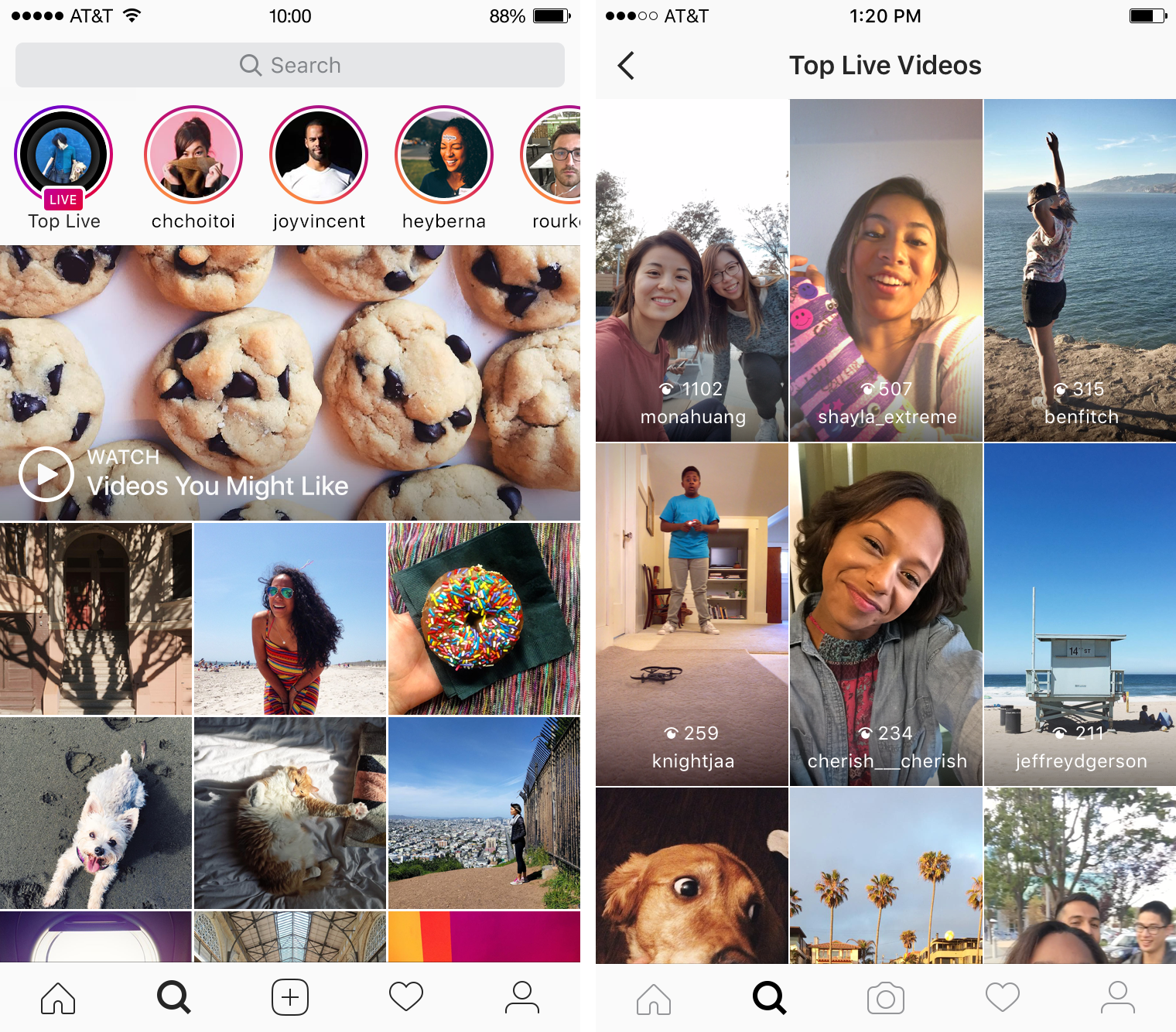
Meet Sked – The most powerful visual marketing platform
Automatically post your social media content on Instagram, Facebook, Pinterest and (soon) Twitter. Save time and collaborate with ease on our powerful visual marketing platform.Try Sked Social for Free
How to Start a Live Video
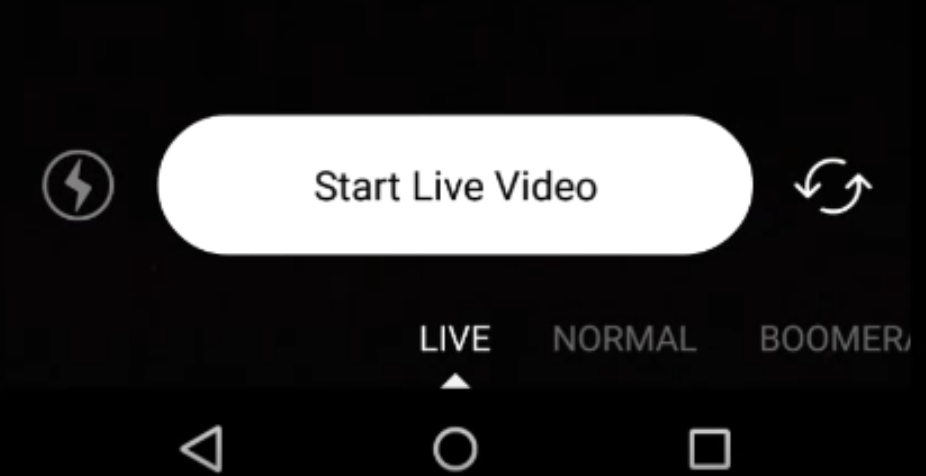
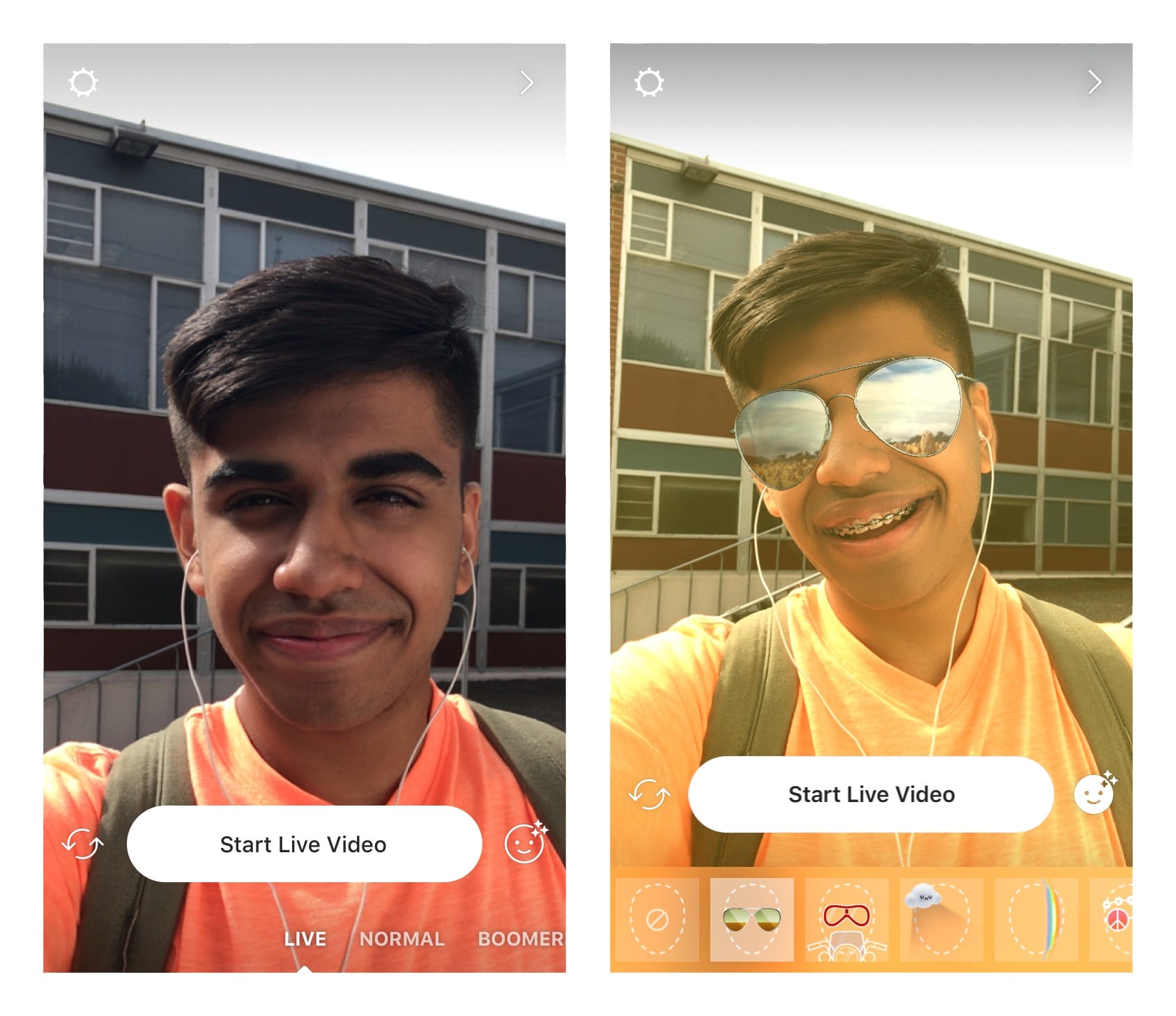
To go live on Instagram, tap on the Your Story profile photo (the image next to the + sign).You can also tap the camera icon in the top left of the Instagram screen.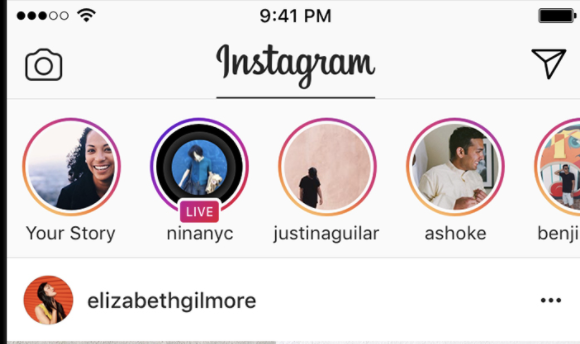
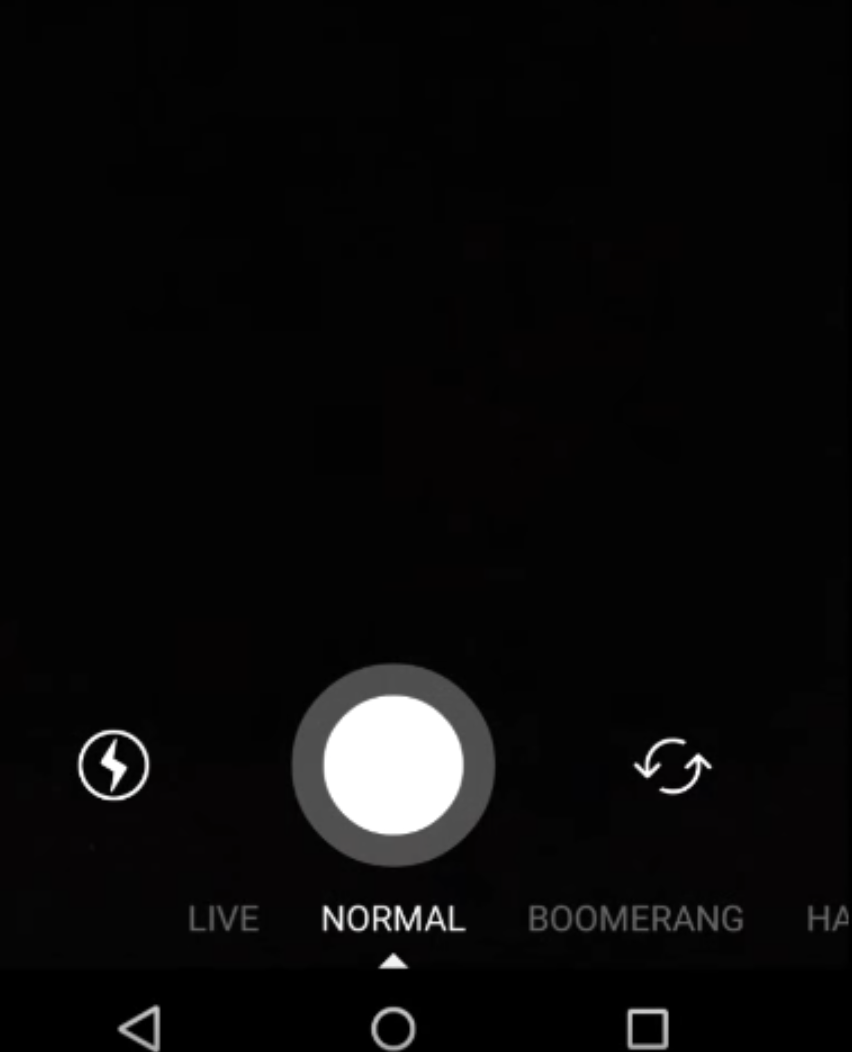
- Normal – a regular photo or video.
- Boomerang – a looping GIF-style video created from various photos.
- Rewind – video that plays backwards or in reverse.
- Hands free – 15-second video, but you don’t need to hold down the video button to start a video.
- Live – broadcasts video in real-time, but disappears after you end streaming.
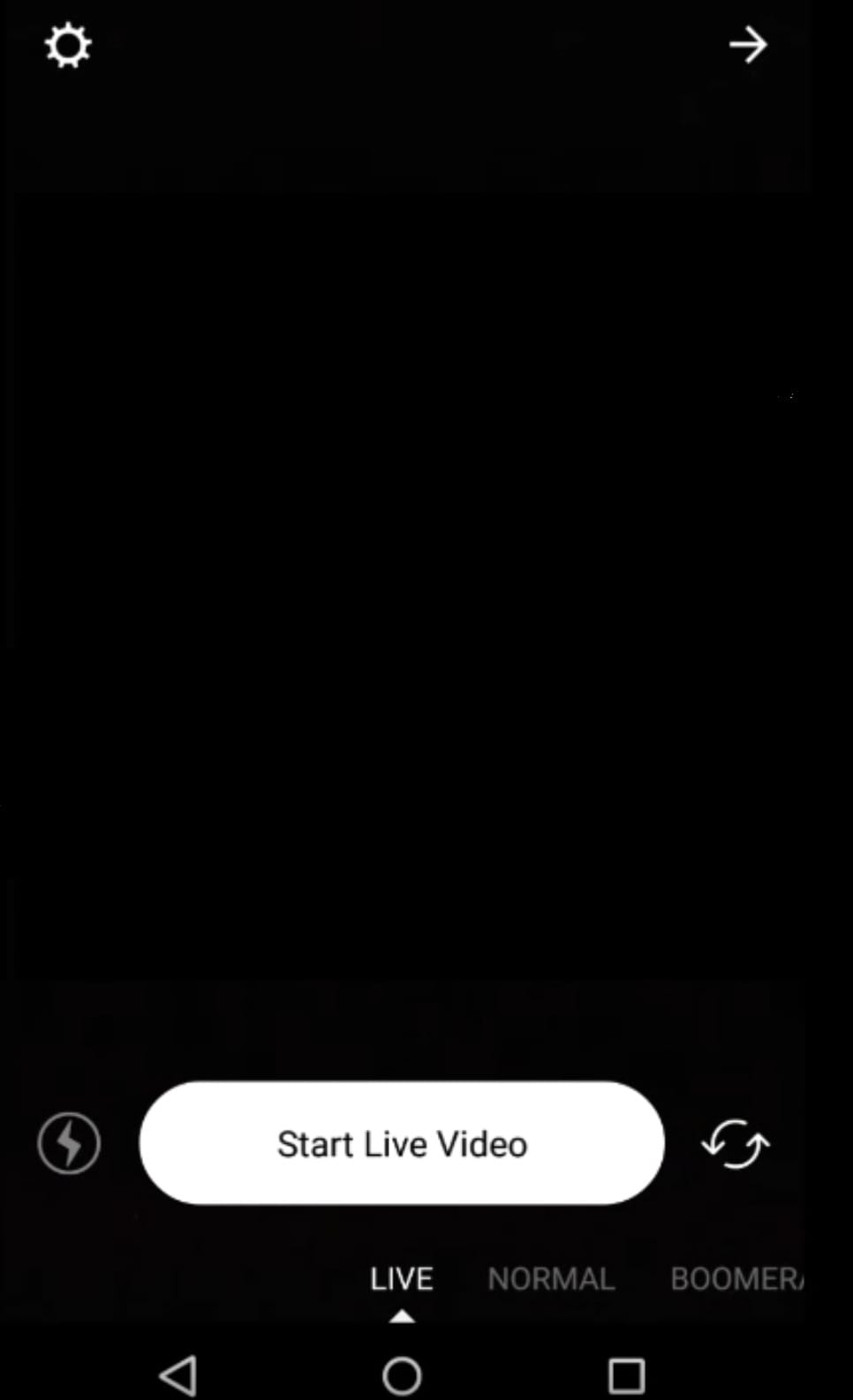
Managing Your Broadcast
Once you go Live, your friends and followers who are online, will receive a notification that says, “[Username] has started a live video. Watch it before it ends!” They will see a small “LIVE” badge over your profile picture at the top of their feed.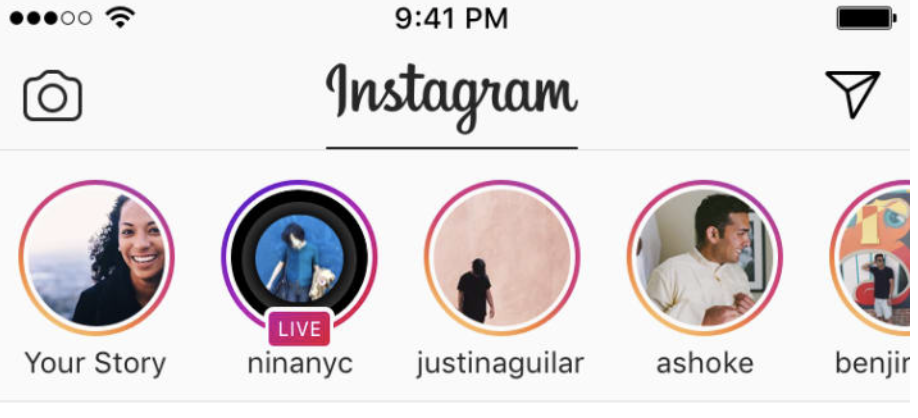
How to Invite Friends to Join Live Videos
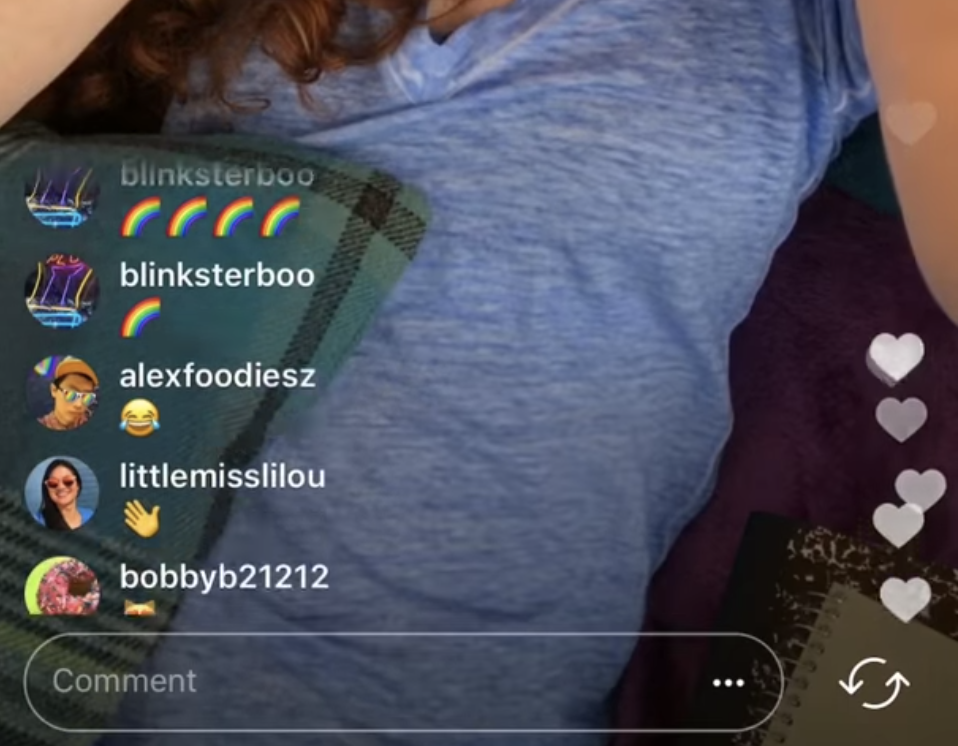
Instagram allows you to invite friends to join live video sessions.If you want to join a live session, tap the request option at the comments section.Hosts will then see requests to join once they tap the icon with two smiley faces. They can then accept or reject these requests. They also have the option to go live with their viewers.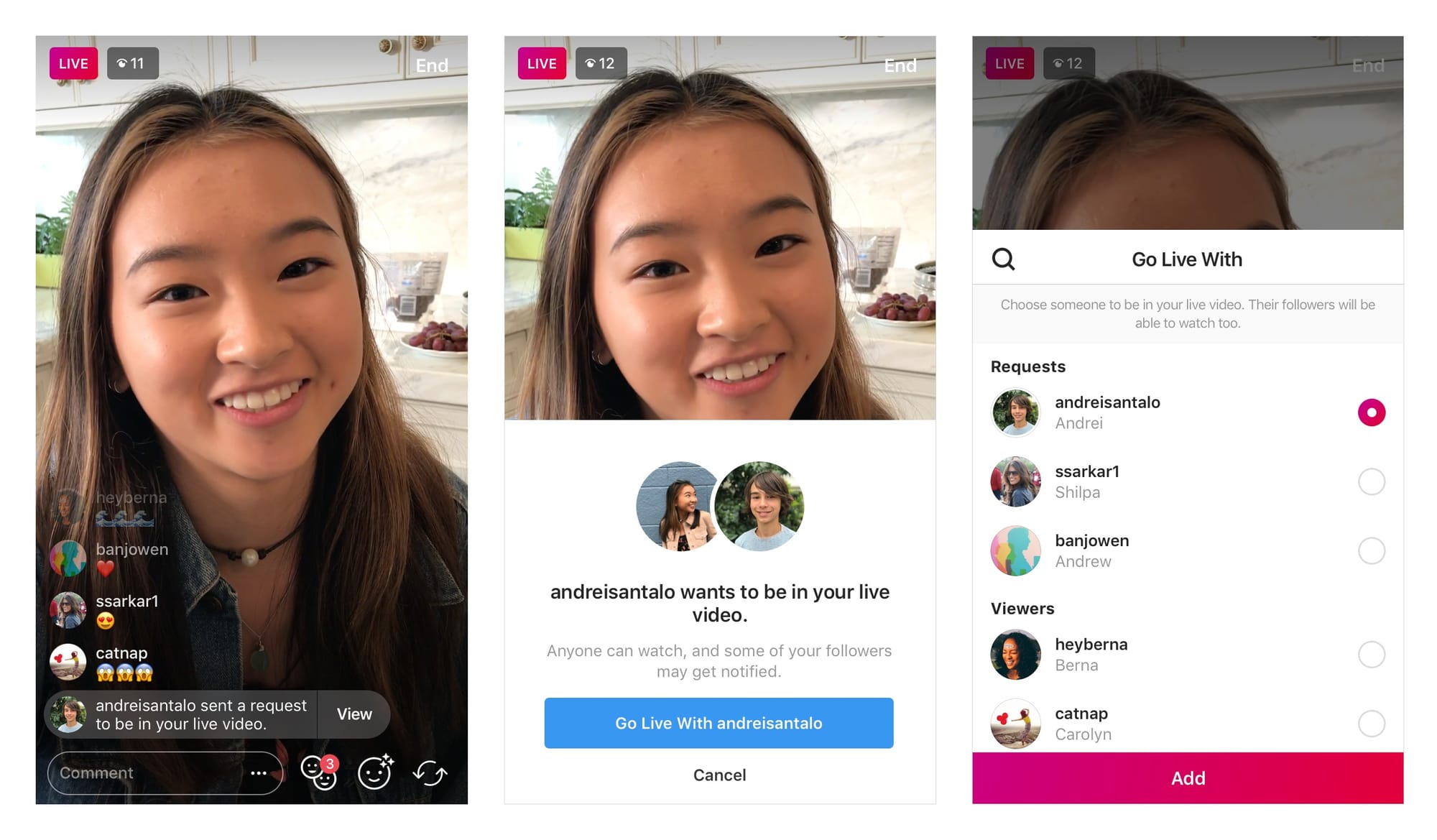
How to Use Face Filters on Instagram Live Videos
You can spice up your Instagram Live broadcast with Face filters. This feature lets you add accessories, hats, stars, rainbow light and many other special effects at the top of your face. This is thanks to the advancements in facial recognition and AI.Some face filters are static, whereas some will adjust as you open your mouth, move your head, and speak to viewers. Instagram regularly updates their filters, so you’ll never run out of options,To use a face filter, tap the smiley face in the bottom-right corner, beside the comments section. You can do this before or during an Instagram Live broadcast.You can then choose from various filters and tap any filter to enable it.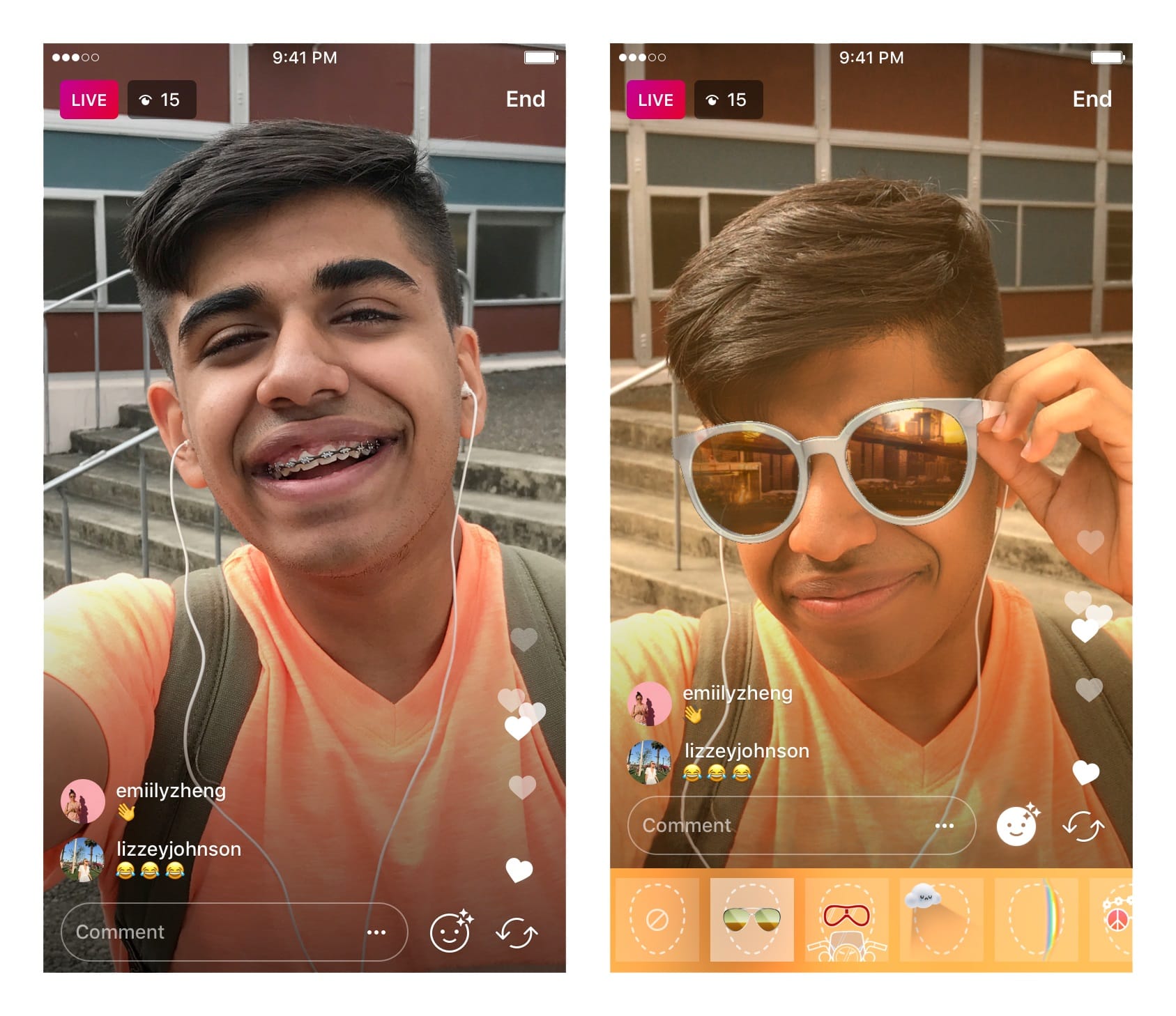
How to Send Live Videos in Direct
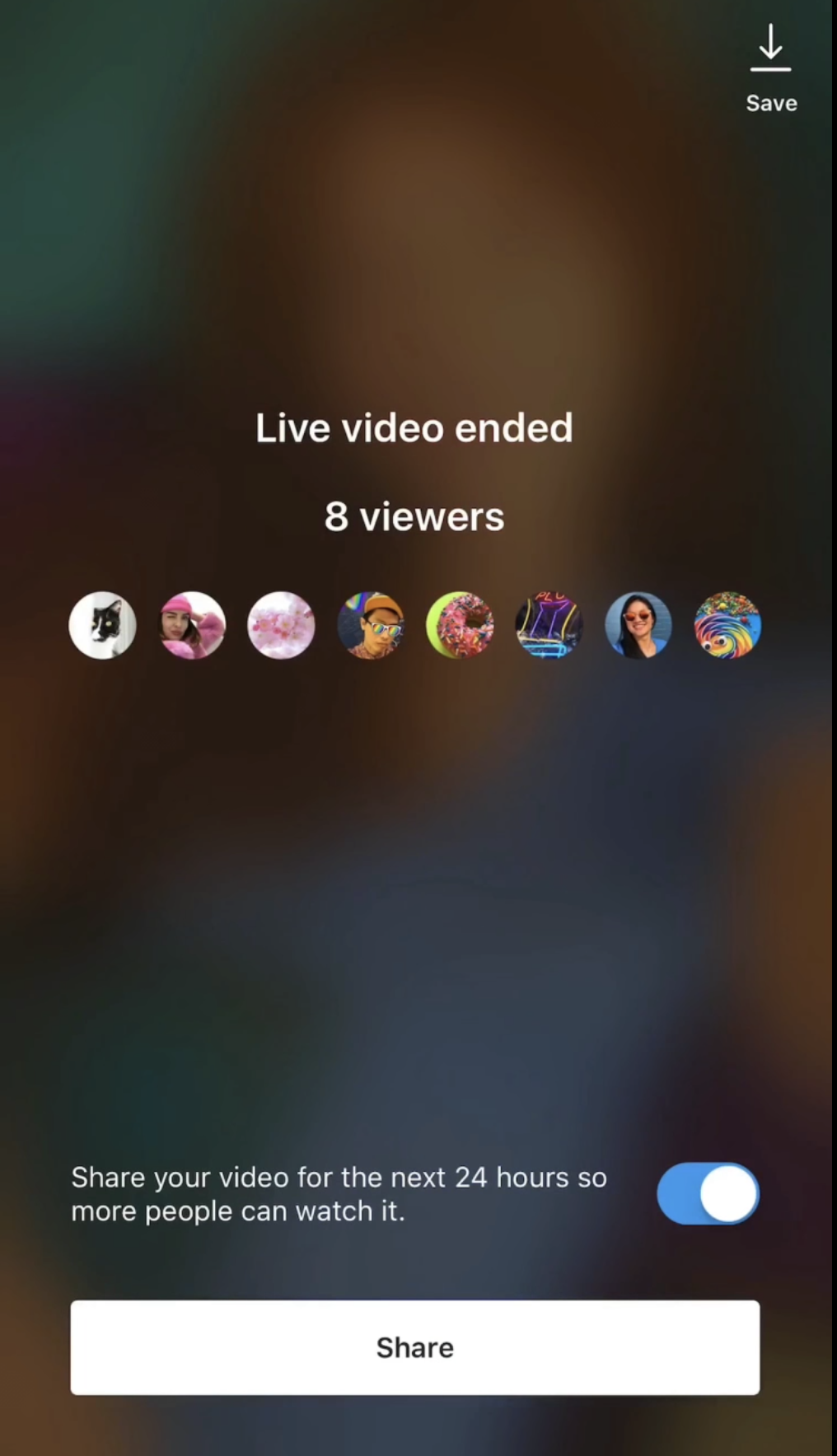
Once you’re live, you can tap the arrow or Direct icon in the bottom of the screen to send your live videos to friends. Your friends will only see the video, if they’re online while the broadcast is happening. Once the video ends, your friends will be notified that your livestream has ended.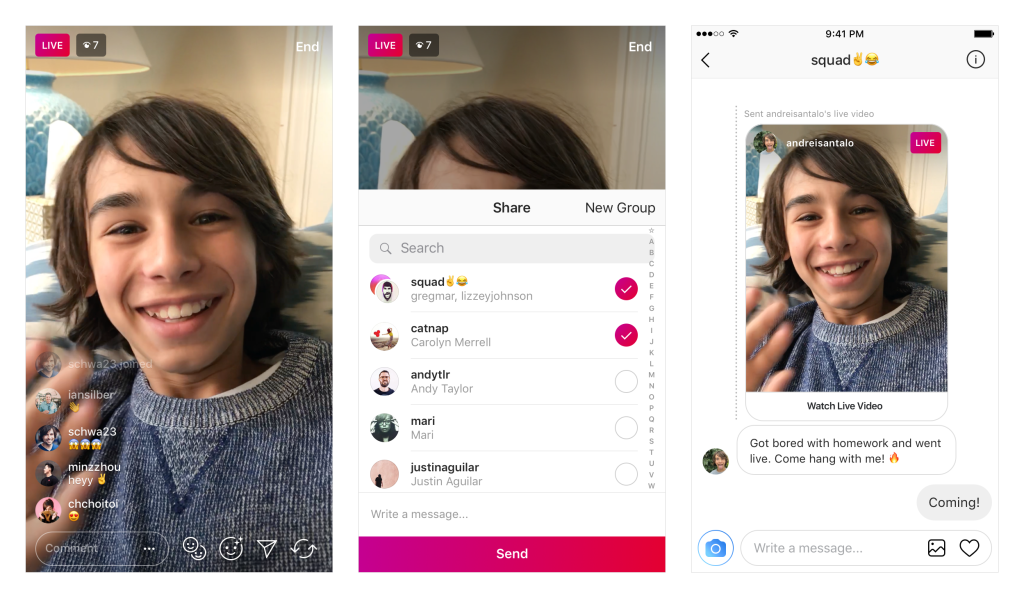
How to End Live Video
When you’re ready to end the live video, tap “End” in the top right corner of the screen.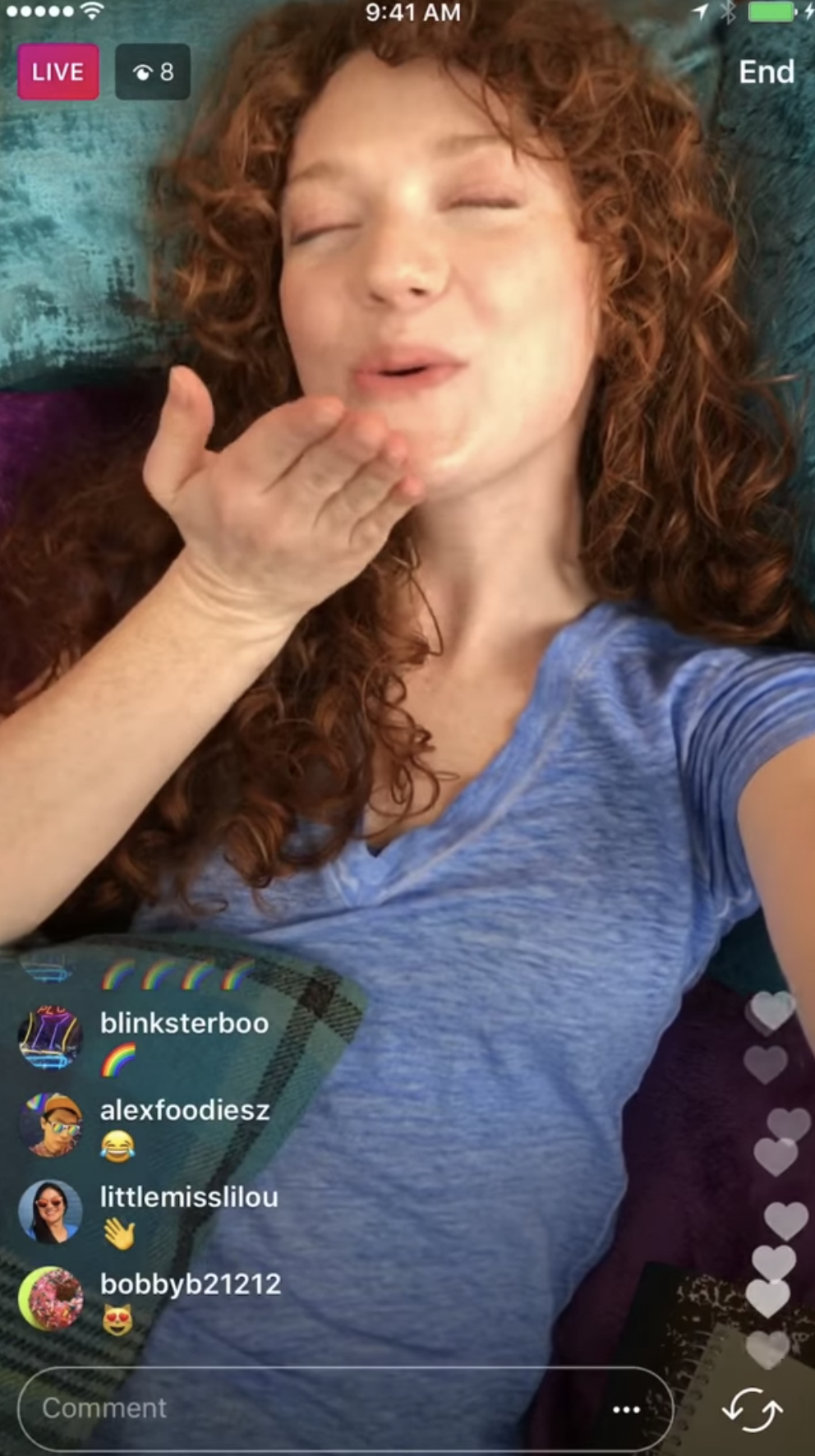
Meet Sked – The most powerful visual marketing platform
Automatically post your social media content on Instagram, Facebook, Pinterest and (soon) Twitter. Save time and collaborate with ease on our powerful visual marketing platform.Try Sked Social for FreeTips for Creating a Successful Broadcast
How do you make a successful live broadcast? Here are some quick tips you need to know.1. Identify the Purpose of Your Live Broadcast
Every live video broadcast should start with a plan.Think about what you hope to achieve and why your content will be valuable to your audience.Some live video sessions feature Q&A sessions, product reveals, contest and giveaway announcements. If they can only learn the information via the live session, then that is a great way to motivate followers to tune in.For example, if you host a Q&A session, followers will be motivated to check out the broadcast because of the opportunity to ask you questions and learn exclusive information.You can also feature a special guest or influencer to make your live video interesting.2. Promote Your Live Session in Advance
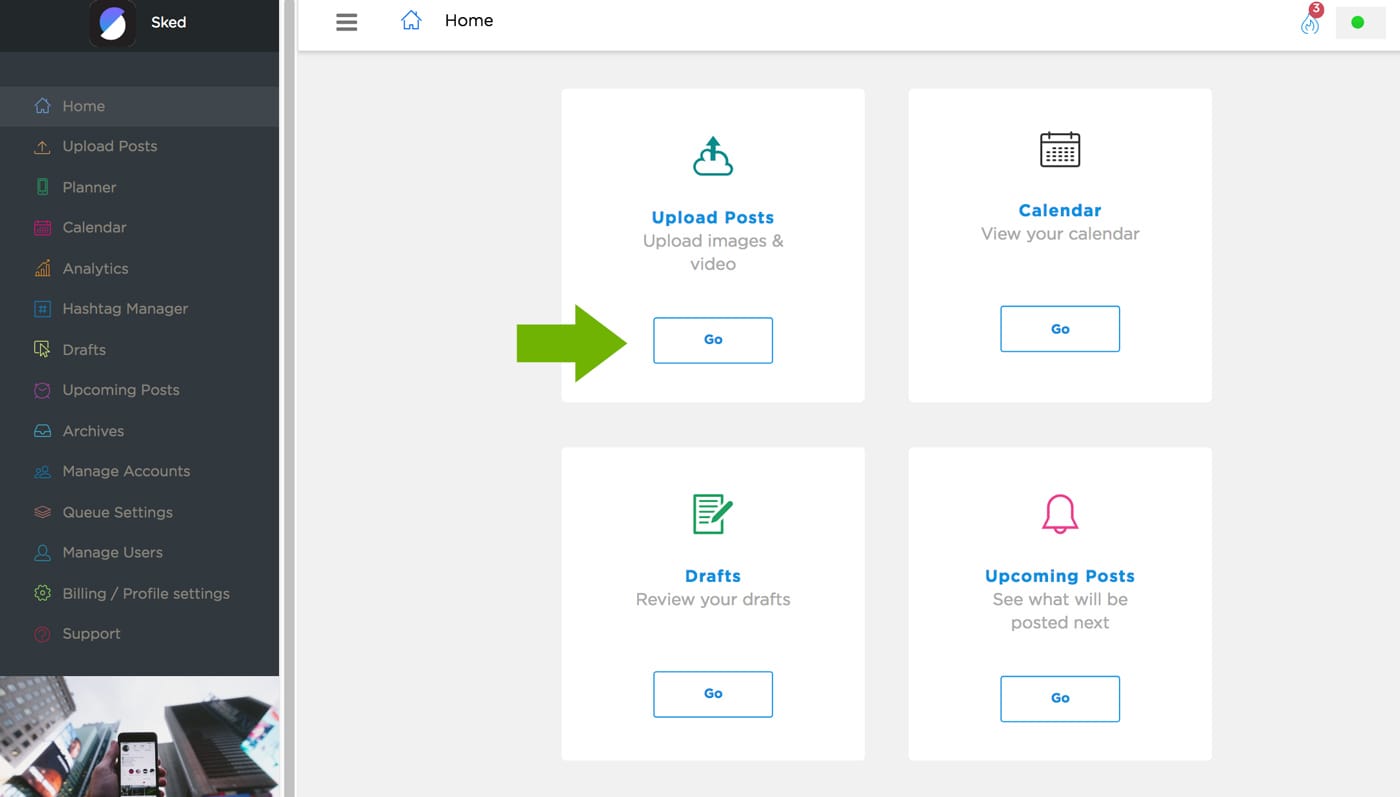
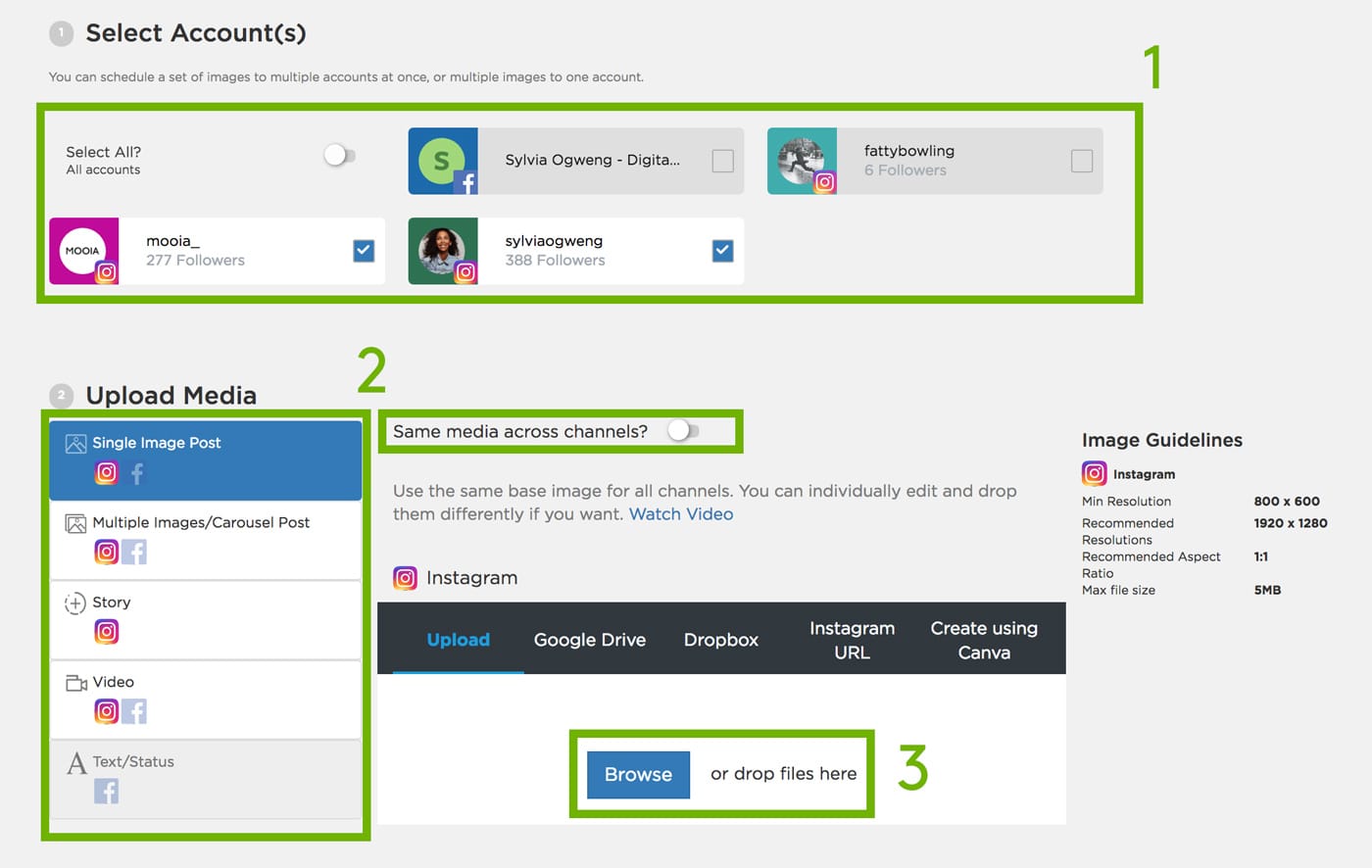
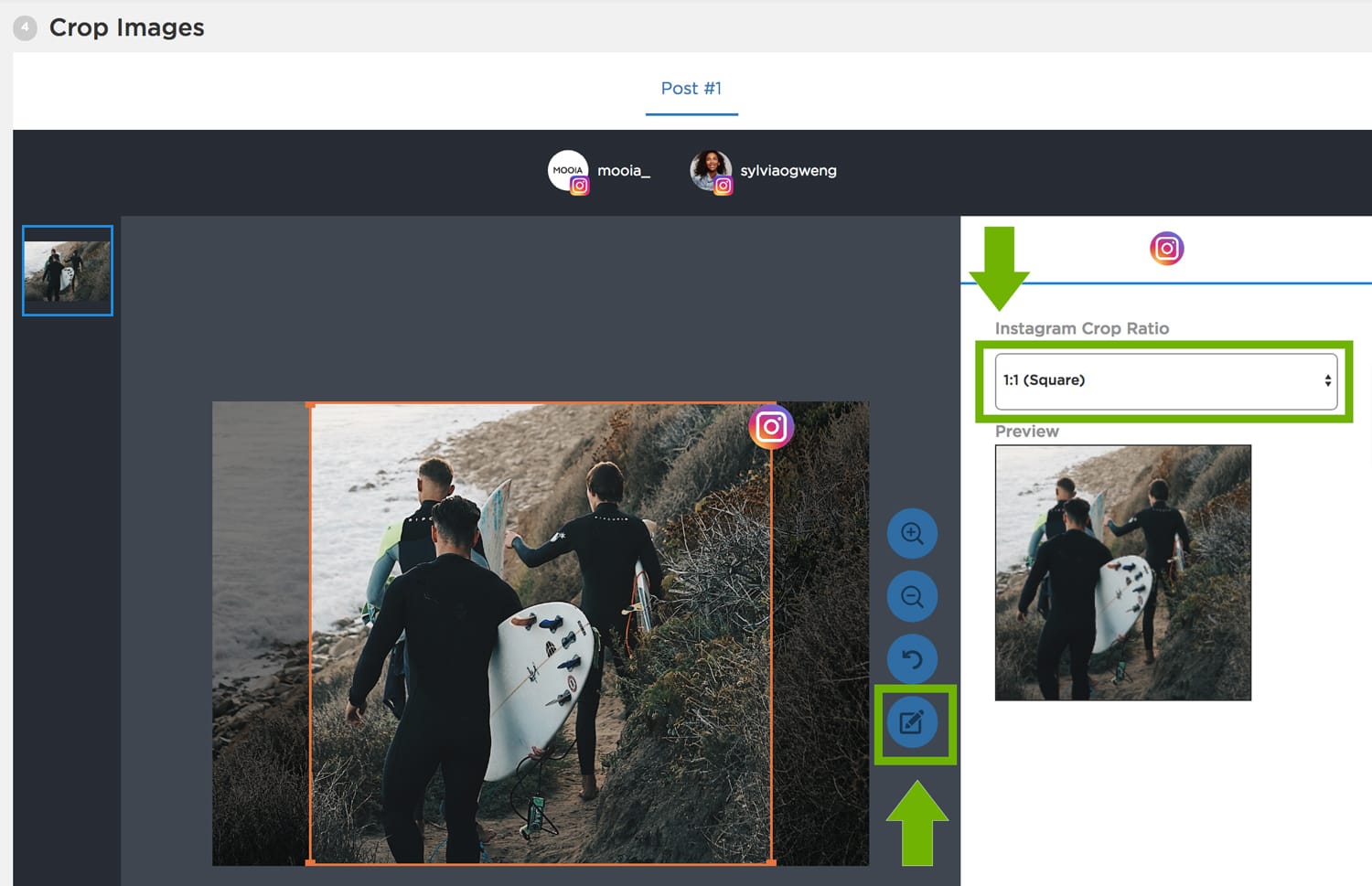
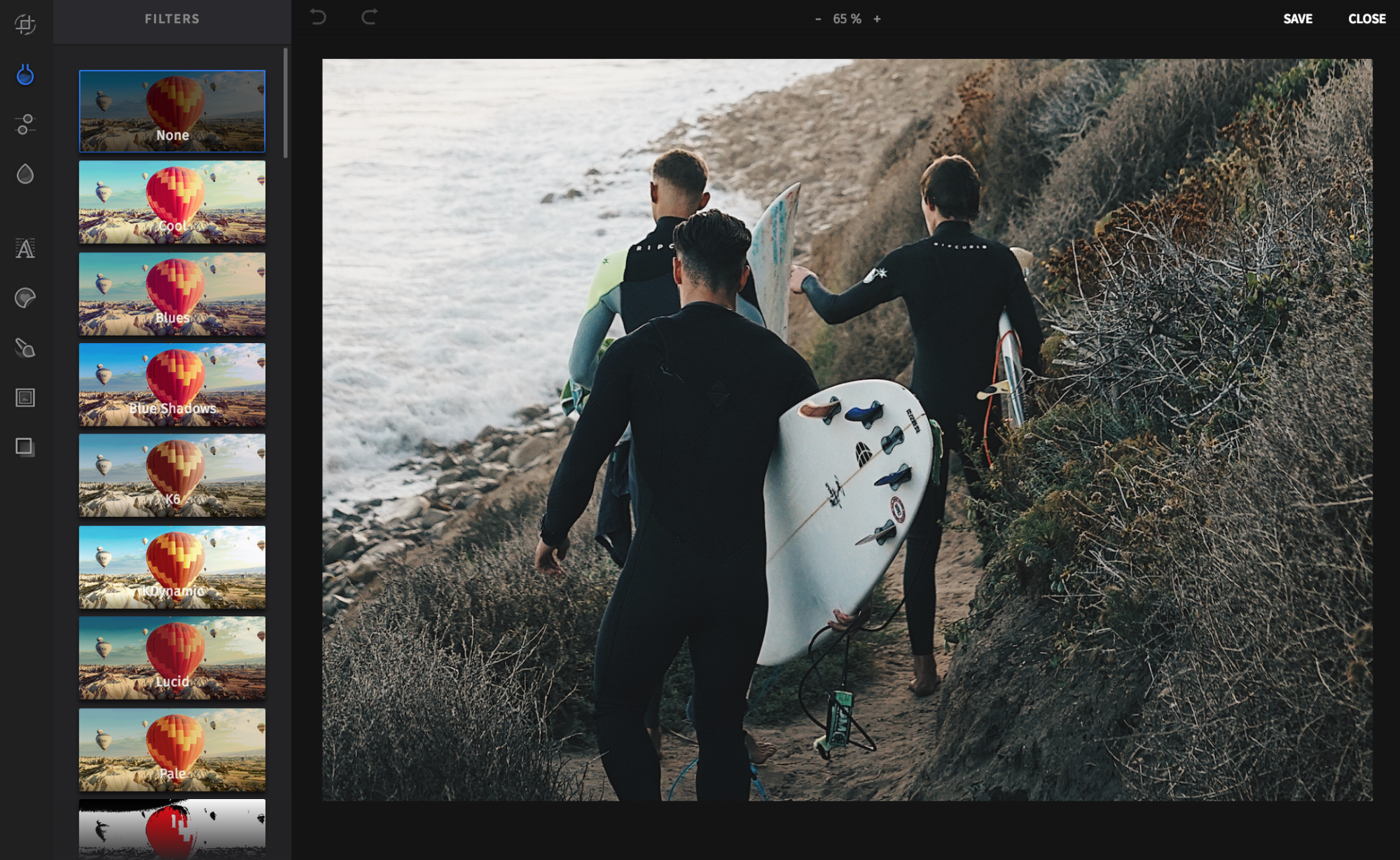
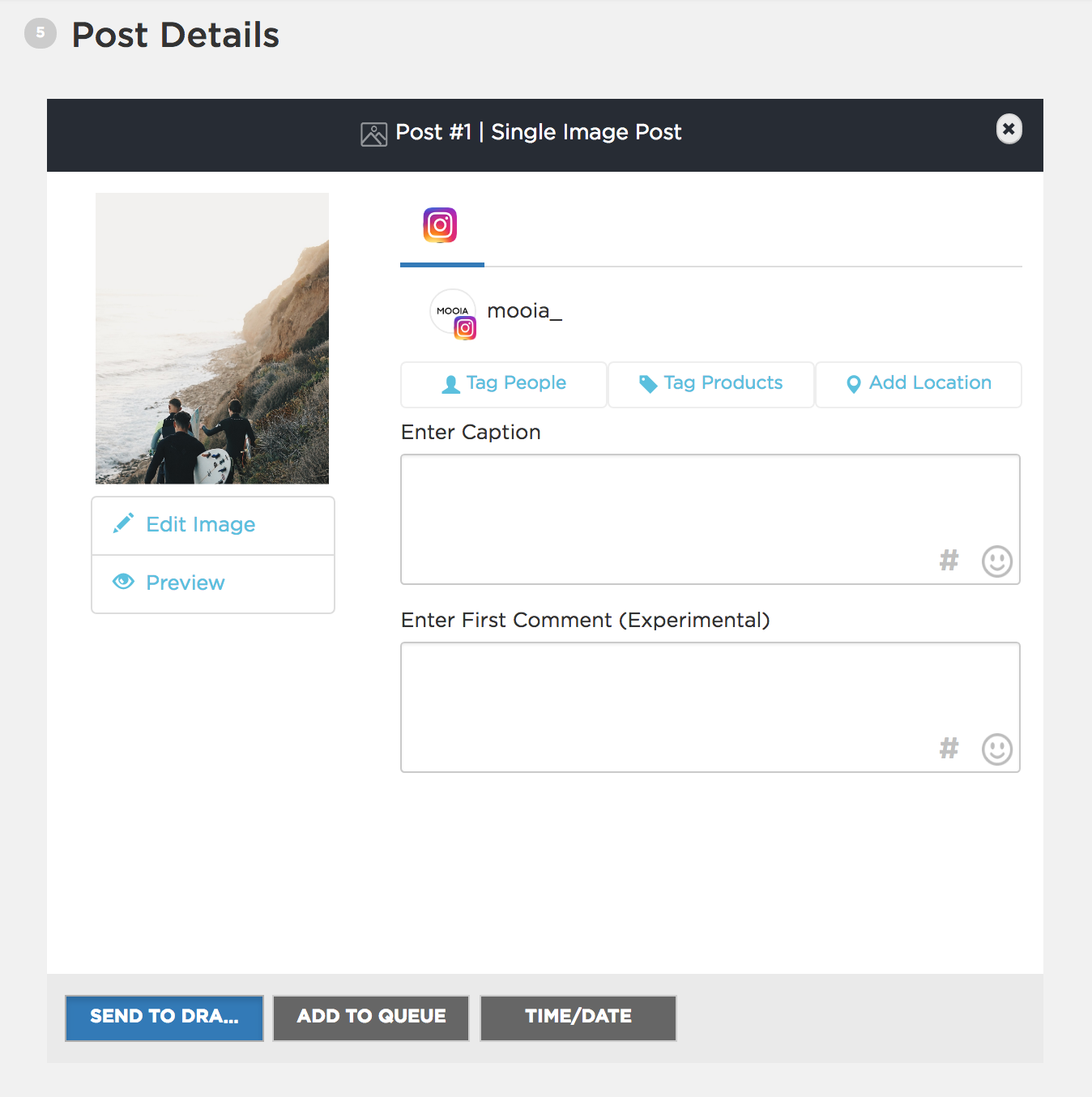
How do you get the most number of viewers?Let your followers know the date and time of your broadcast in advance. Send an email or publish a post! Plus, spread the word on your other social media accounts.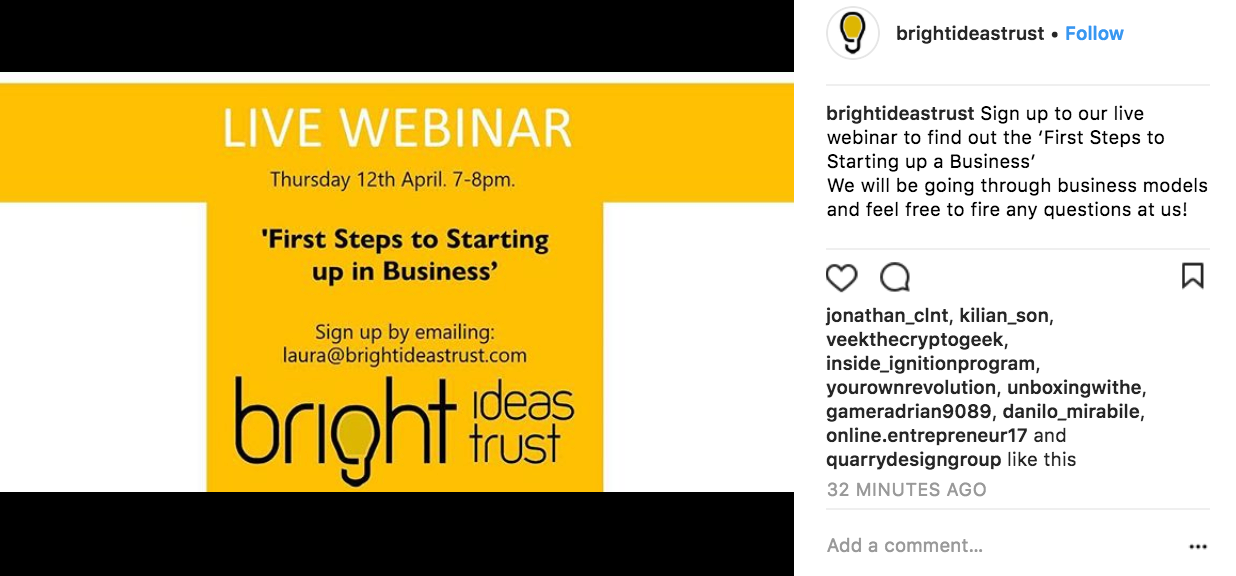
3. Engage with Viewers
The main goal of your broadcast is to engage with your followers!You want to connect and build a relationship with them. And, what better way to do that than by offering opportunities for live interactions.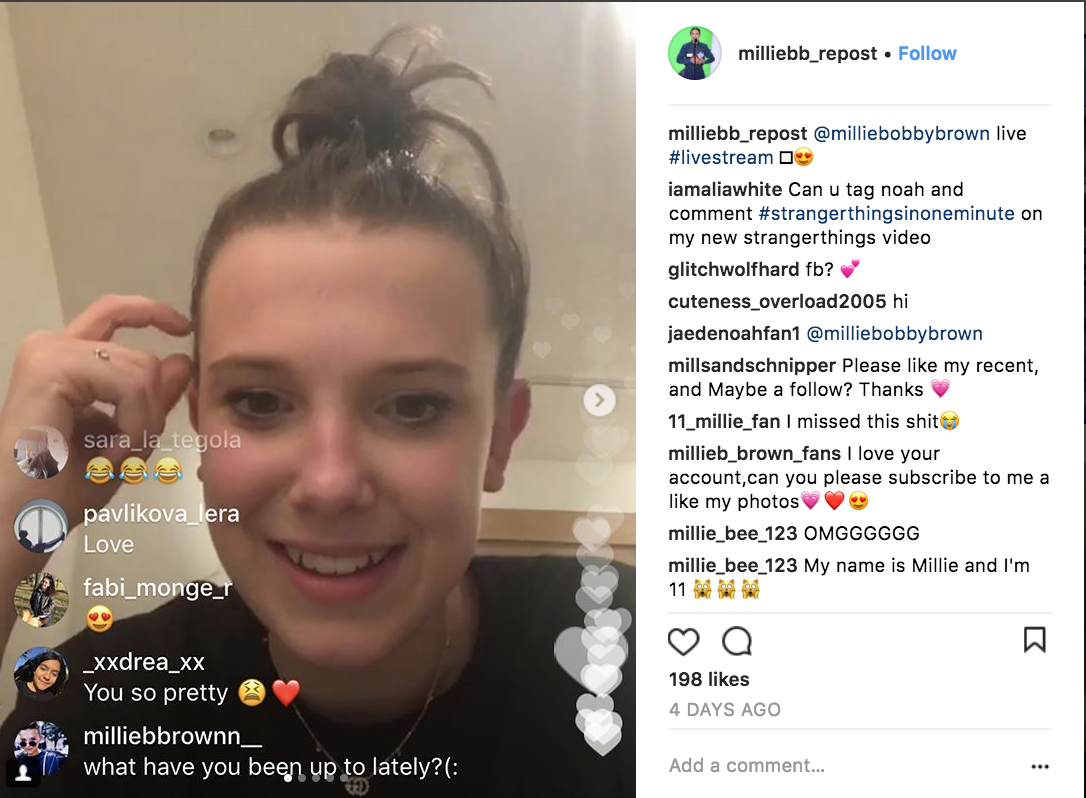
4. Record a Test Video
If it’s your first-time hosting a live video session, it’s a great idea to test the sound and quality of your video.Find a visually pleasing and simple background that won’t distract readers from your message. You should also find a quiet area to maximize the sound quality and minimize distractions.Once you find a nice area, film a test video. Check the lighting and the sound quality in the video. Do you appear too bright or too dark in the test video? Can you clearly hear your message?Prepare ahead of time, so you won’t embarrass yourself in the session.And, remember to charge your phone!Meet Sked – The most powerful visual marketing platform
Automatically post your social media content on Instagram, Facebook, Pinterest and (soon) Twitter. Save time and collaborate with ease on our powerful visual marketing platform.Try Sked Social for Free5. Create an Outline
If you are planning a 30-minute to one-hour live video session, then I’m sure you have a lot to talk about!So, don’t forget to create an outline of all the topics you want to bring up on the broadcast. Mention CTAs, like, “Check out my website at [insert site].” or “Be sure to follow me on [insert Instagram account].6. Answer DMs and Questions
If you’ve asked viewers to send their questions via a direct message, be sure to answer these questions!It’s a simple gesture, but it means a lot to your followers. After all, they support and promote you, so it’s the least you can do.7. Summarize Your Session Through an Instagram Post or Story
Not all of your loyal followers can tune in to your broadcast.They might live in a different timezone. Or, they might just be busy with school or work. So, if you’ve announced important updates in the live session, like a product launch or event, then let them know via a post or Instagram story. This way, they can still connect and keep up with you.In the caption, remind them to turn on push notifications so that they don’t miss the next live session.8. Remember Your Metrics
Since your live videos are shown in the moment, you won’t be able to save the number of viewers who tuned in via Instagram analytics.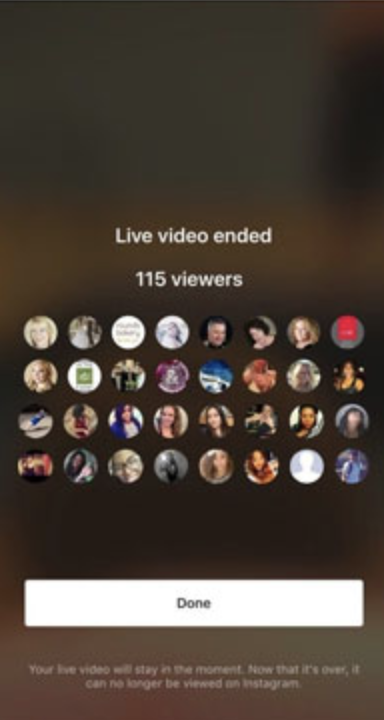
9. Reward Viewers
How do you encourage your followers to tune in to every livestream? Reward them!Give them an early announcement to a coupon code or inform them of a new product launch. If you offer a service or an online course, you can offer them a valuable piece of advice, that they would otherwise have to pay for.
10. Treat It Like an Intro Meeting
Instagram live videos are the most personal type of interaction on Instagram.It’s not a static type of interaction, like your photos, videos or comments. Instead, you talk to viewers face-to-face in real time.You encourage them to ask questions, leave comments, then say your reply.If you’re a business, treat your live session as an introductory meeting. The point is to get viewers to know your brand, meet you, get to know you and trust you. So, be genuine and casually introduce yourself, your product or service.