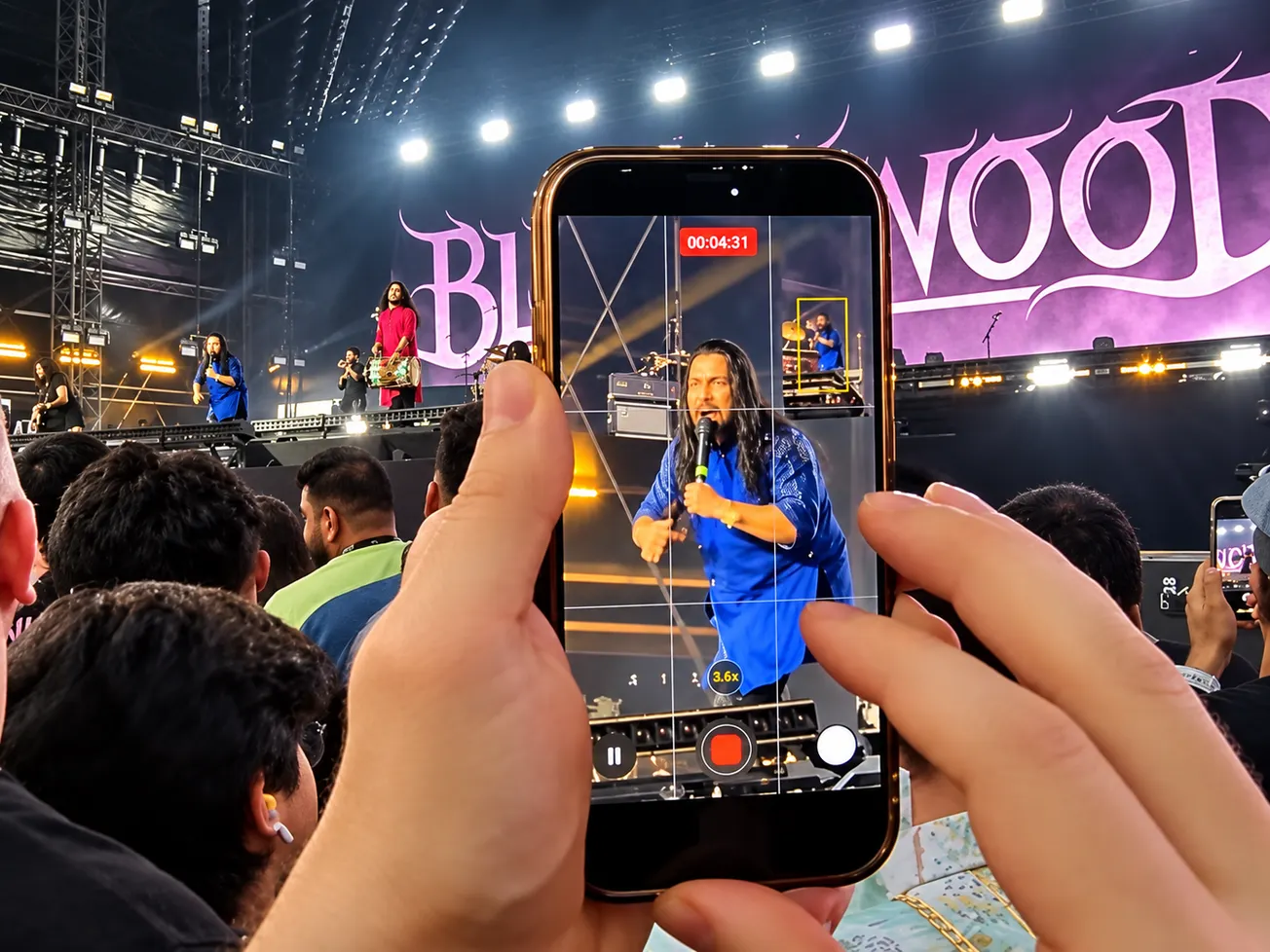


Instagram has introduced a new in-app feature that allows creators, artists, and venues to boost their live videos directly from within the livestream composer.
While marketers have previously been able to set up ads for upcoming streams via Meta Ads Manager, this new update bypasses complicated campaign setup. Now, expanding your audience is as simple as tapping a button right before you go live.
Here is a breakdown of how the feature works, and how to leverage it for maximum impact.
How Instagram Livestream Boosting Works
Here is the quick breakdown of how to use the new feature:
- What is it? A native, in-app tool that turns your ongoing live video into an ad to drive real-time viewership.
- Where do the ads appear? Your live broadcast serves as the ad creative and is pushed to users across their Feed, Stories, and Reels.
- When does it run? The promotion only runs while you are actively broadcasting, ensuring you are pulling in viewers exactly when it matters.
- How do you set it up? Inside the Instagram livestream composer, tap the Boost option before going live. You can choose a custom target audience or rely on Instagram's suggested audience.
- PRO TIP: Instagram recommends scheduling your boosted stream at least two hours before going live to avoid any ad delivery delays.
What Boosts Cost + How To Avoid 30% Apple App Store Fees
- What it Costs: You have full control over your spend. You set a total or daily budget (starting as low as $1 to $5 per campaign), and Instagram will distribute the ad until your time or budget cap is reached. More $ delivers more reach.
- The Apple 30% Fee Warning: If you tap "Boost" directly inside the Instagram iOS app on an iPhone, Apple applies a 30% service fee on top of your total ad cost (plus Meta requires prepaid funds for iOS app boosts). That means 39% of your ad budget goes to Apple rather than reaching potential fans.
- How to Avoid the 30% Apple Surcharge: To keep 100% of your budget working for your broadcast, log into instagram.com (or access Meta Business Suite / Meta Ads Manager) via a desktop or mobile web browser. Managing your boosted streams through the web version completely bypasses Apple’s in-app purchase system, saving you 30% on every campaign.
4 Ways Artists and Venues Can Market With Live Boosts
This update significantly lowers the barrier to entry for paid promotion, opening up several new marketing strategies:
1. Virtual Concerts & Album Release Parties - Hosting a live performance or listening party? Boosting the stream ensures that your broadcast breaks out of your existing follower base. Because the ads appear in Reels and Stories, you can catch casual scrollers with a high-energy live performance and instantly convert them into viewers.
2. Flash Ticket Sales For Venues & Promoters - Host a quick 30-minute livestream offering a "Live-Only" discount code for an upcoming show. By using the targeting feature to boost the broadcast specifically to local users in your city, venues can drive hyper-targeted, immediate ticket sales.
3. Sound Check Teasers & Backstage Q&As - Build hype just before the show by by hosting a boosted stream during soundcheck or from backstage. Both are great ways to show behind-the-scenes authenticity while reaching new, targeted demographics.
4. Increasing Monetization More active viewers means a higher potential for monetization. If you also utilize Instagram's tipping features (like Badges), boosting a high-quality stream can pay for itself by increasing your pool of potential tippers.
Hypebot’s Bottom Line
Instagram's new in-app feature is a major win for music marketing.
It removes the friction of navigating Meta Ads Manager, allowing artists and venues to spontaneously amplify their reach right before going live. By capturing immediate, in-the-moment engagement, livestream boosting serves as a powerful new tool for converting casual scrollers into dedicated fans and ticket buyers.
Read more: "New Features on Instagram, Facebook, YouTube to Market Music"