

Spotify Analytics for Artists: How to Read Your Data and Grow
By Randi Zimmerman of Symphonic
Spotify analytics can tell you a lot more than how many streams your latest release received. Inside Spotify for Artists, you can see how listeners are finding your music, if they’re coming back, where they’re located, which songs are connecting, and how your audience changes after a release.
The key is knowing which numbers actually tell you something useful. Instead of treating your dashboard like a scoreboard, use it to answer specific questions about your audience.
Did that playlist placement bring you new fans or just a temporary spike in streams? Are people coming back after discovering your latest single? Is one city starting to show enough momentum to justify more marketing spend? Are your existing fans actually listening when you release something new?
Here’s everything you need to know…
How to Access Spotify for Artists Analytics
Once your music is available on Spotify, you can request access to your artist profile through Spotify for Artists. If the profile has already been claimed, a team administrator can invite you.
Claiming your Spotify for Artists profile gives you access to your artist dashboard and its analytics tools. Spotify now refers to a claimed and actively managed profile as a Registered Artist. This is separate from Spotify’s Verified by Spotify badge, so you don’t need that badge to use Spotify for Artists analytics.
Once you’re in, you can review audience, music, playlist, release, and performance data on the web or through the Spotify for Artists mobile app.
Now, let’s get into what you should actually be looking for.
Start By Understanding Who’s Actually Listening
It’s easy to open Spotify for Artists and immediately look at your total streams. On their own, though, streams don’t tell you much about the relationship people have with your music.
Start by looking at a few metrics together.
Streams, Listeners, and Repeat Listening
Streams tell you how many times your music was played during the selected period, while listeners tell you how many unique people listened.
The relationship between those numbers gives you more context.
If listeners rise quickly but streams per listener stay low, your music may be reaching a lot of new people who aren’t returning yet. If your audience grows and streams per listener rise with it, more listeners may be coming back to your music.
There isn’t one streams-per-listener number every artist should chase. Genre, catalog size, release strategy, playlist exposure, and where you are in your career can all affect it. Compare your own songs and releases over time instead.
Then bring saves, playlist adds, and followers into the picture.
- Saves: Someone added your song to their library.
- Playlist adds: Someone added your music to one of their playlists.
- Followers: Someone chose to follow your artist profile.
Those actions can add context to the initial stream because the listener did something beyond simply hearing the song.
💡 For example: Say a new single reaches 40,000 listeners after getting a major playlist placement, but streams per listener stay low and you see little movement in saves, follows, or active listeners. Another release reaches 15,000 listeners, but those listeners generate more repeat streams, save the track, follow you, and start exploring your catalog.
The first release generated more reach. The second gives you stronger evidence that discovery is turning into a deeper relationship with your music.
Neither result makes a release automatically successful or unsuccessful. They tell you different things about what happened, which can change what you do next.
Go Deeper With Spotify’s Audience Segments
Spotify’s Audience Segments take this a step further by showing where people are in their relationship with your music.
Your total audience is divided into three main groups:
- Monthly active listeners: People who intentionally streamed your music from an active source within the last 28 days.
- Previously active listeners: People who previously listened intentionally but haven’t done so in at least 28 days.
- Programmed listeners: People who have only heard your music through programmed sources, such as editorial playlists, personalized recommendations, Radio, Autoplay, AI DJ, or playlists made by other listeners.
You can find these groups under Audience → Segments. Spotify also shows movement between segments, including new listeners, new active listeners, and reactivated listeners.
Your monthly active audience is broken down even further:
- Super listeners: People who intentionally streamed your music 15 or more times during the last 28 days.
- Moderate listeners: People with 3–14 intentional streams during the last 28 days.
- Light listeners: People with 1–2 intentional streams during the last 28 days.
This is where you can start looking beyond audience size and into audience depth.
If your programmed audience is growing quickly, you may be getting strong discovery. If monthly active listeners are growing alongside it, some of those people are intentionally coming back. If your super listeners are increasing, you have another signal that a portion of your audience is engaging with your music much more deeply.
📚 Want to go deeper? Check out our Spotify Guide.

+Read more: "The Three Tasks AI Can Take Off Every Artist's Plate"
Use Source of Streams to Understand Where Your Momentum Is Coming From
Once you know who’s listening, look at how they got there.
Spotify’s Source of Streams shows where people were when they started listening to your music. You can find it on Audience, Song, and Release overview pages by selecting the Source of Streams segmentation.
Spotify divides these sources into two broad categories: active and programmed.
Active sources are places where listeners intentionally choose your music. That can include your artist profile and catalog, a listener’s own playlists or library, and their queue.
Programmed sources are places where Spotify or another listener selected what played. These can include editorial and personalized editorial playlists, Discover Weekly, Release Radar, Radio, Autoplay, Daily Mix, Daylist, AI DJ, and playlists created by other Spotify users.
Neither one is automatically better.
Programmed listening can introduce your music to a huge number of people who didn’t know you before. Active listening shows intentional behavior from someone who decided to play your music.
The interesting part is what happens between the two.
If a playlist placement causes programmed listeners to spike, check your audience again over the following days and weeks.
Are monthly active listeners growing too? Are people saving the track? Following you? Playing other songs? Coming back after the playlist exposure slows down?
That gives you much more information than celebrating the playlist placement itself.
Look at What Happens After Someone Discovers Your Music
Getting discovered is only one part of the equation. Your analytics can also help you understand what listeners do afterward.
Spotify’s Release Engagement view shows how much of your existing monthly active audience listened to a new release during its first 28 days.
If a new song receives plenty of streams but a relatively small portion of your existing active audience checks it out, take a closer look at your rollout. Maybe your announcement strategy didn’t reach enough existing fans. Maybe you stopped promoting the track after release day. Maybe another song from the project connected more strongly.
Compare Release Engagement across your own releases to see which campaigns consistently get more of your existing audience listening.
The same thinking applies to playlist performance. Instead of treating every playlist placement as an isolated win, follow the listener journey:
Playlist exposure → new listeners → saves/follows → active listeners → repeat listening and catalog exploration
Say a song gets added to a major playlist and programmed streams immediately jump. Great! Now watch what happens when that exposure starts slowing down.
If the song continues generating active listening, saves, followers, and catalog activity afterward, the placement may have introduced people who actually stuck around. If everything drops back to its previous level as soon as the playlist exposure disappears, you still gained valuable reach, but it tells you something different about the audience that placement brought in.
That distinction can help you evaluate playlist performance much more realistically and decide how to support a track after it starts gaining discovery.
📚 Want to learn more? Check out our guide to how streaming algorithms respond to fan behavior.
Use Location Data to Find Markets Worth Testing
Spotify for Artists also shows where your listeners are located, including your top countries and cities.
This data can help you spot markets that deserve more attention, but don’t route an entire tour because one city suddenly jumped in Spotify.
Look for supporting signals first.
💡 For example: Say Chicago suddenly becomes one of your fastest-growing Spotify markets. Check your other data. Are you also seeing more social engagement from Chicago? Email subscribers? Merch orders? YouTube activity? Have previous shows or ticket campaigns performed well there?
If multiple signals are pointing in the same direction, you have a stronger case for testing the market.
That test doesn’t need to mean booking a headline show immediately. You could run geo-targeted ads around your next release, collaborate with a local creator, pitch regional press, test a support slot, or put more budget behind content that’s already performing in the area.
Then watch what happens…
If the market continues growing across several channels, you have more evidence to justify a larger investment.
Keep Spotify’s data window in mind here, too. Location and demographic information is currently available for the most recent 28 days, so check it regularly if geographic trends are part of your strategy.

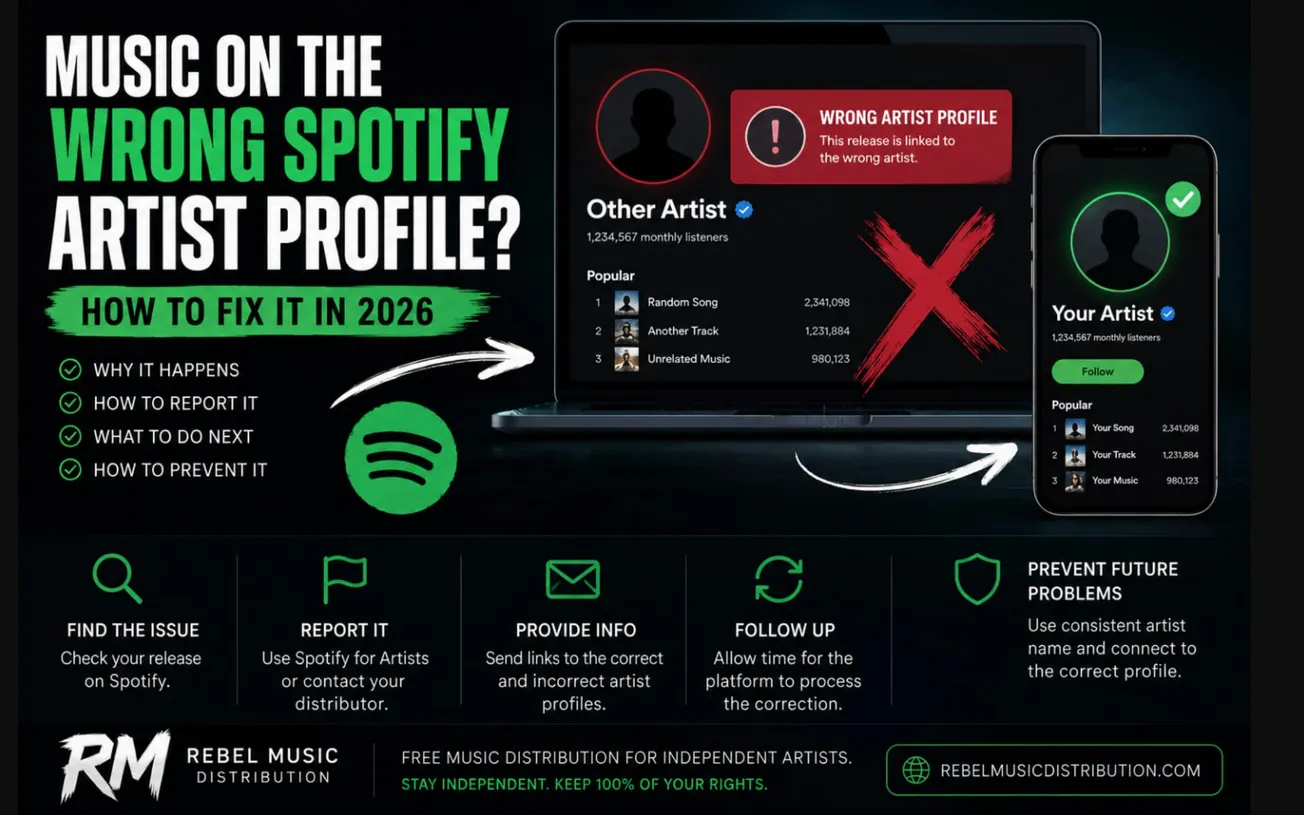
+Read more: "Music on the Wrong Spotify Artist Profile? How to Fix It in 2026"
Compare Spotify Performance With Your Other Platforms
Spotify is an important part of your streaming audience, but it’s still only one platform.
Your strongest market on Spotify may not be your strongest market on Apple Music, YouTube, Amazon Music, or another service. A song may also start gaining momentum on one platform before that growth appears elsewhere.
If you’re a Symphonic client, SymphonicMS analytics tools can help you review performance data across services including Spotify, Apple Music, Amazon Music, YouTube, Deezer, and more from one dashboard.
Maybe Spotify shows strong growth for a track in Mexico while YouTube is showing even faster growth there. That overlap gives you more reason to investigate the market.
On the other hand, you may find that a song is taking off on YouTube in a territory where Spotify activity is still relatively small. Instead of assuming the platforms should look the same, ask what’s driving the difference. The audience behavior, content format, platform penetration, or campaign activity in that market may be different.
That can influence where you put ad spend, what type of content you make, which platform you send fans to, and which markets you prioritize next.
Turn Spotify Analytics Into Your Next Move
Don’t open Spotify for Artists just to see if your numbers went up.
Go in with a question.
Did that playlist placement create repeat listeners? Did your campaign reach new people or mostly activate existing fans? Is one market growing faster than the rest? Did listeners who found the new single explore anything else? Are people who discovered you through programmed sources becoming active listeners?
Then look at the metrics that can actually answer it.
| What you see | What to investigate next |
|---|---|
| Programmed streams jump | Check if saves, follows, active listeners, and catalog listening rise too. |
| Monthly active listeners grow | Identify which release, campaign, playlist, content, or market may be driving more intentional listening. |
| Super listeners grow | Look at what releases or activity coincided with that growth, then think about ways to deepen that relationship through releases, live shows, merch, community, and direct fan communication. |
| One city starts overperforming | Compare the signal with social, email, sales, ticketing, and other platform data before investing more heavily in the market. |
| A release gets streams but weak engagement | Review where those streams came from and what listeners did after hearing the song. |
| Existing fans aren’t engaging with a new release | Compare the rollout with previous releases and look at how you promoted the track before, during, and after release day. |
You’re looking for patterns you can act on.
One spike may tell you to investigate. The same behavior showing up across several releases, markets, campaigns, or platforms gives you much stronger information to work with.
In Conclusion…
Spotify analytics are most useful when you stop treating them as a report card and start using them as clues.
Look at how listeners discover you, whether they come back intentionally, which songs create deeper engagement, where your audience is growing, and how new releases affect your existing fans. Then use those patterns to decide where to promote, what to release, which markets to test, and which listeners need more attention.
The numbers will not make the decision for you, but they can help you make the next one with a lot less guesswork.
+Read more: "A Guide to Pitching Music to Independent Spotify Playlists"